Photograph restored, not described
This is what a century of damage looks like, and what comes back
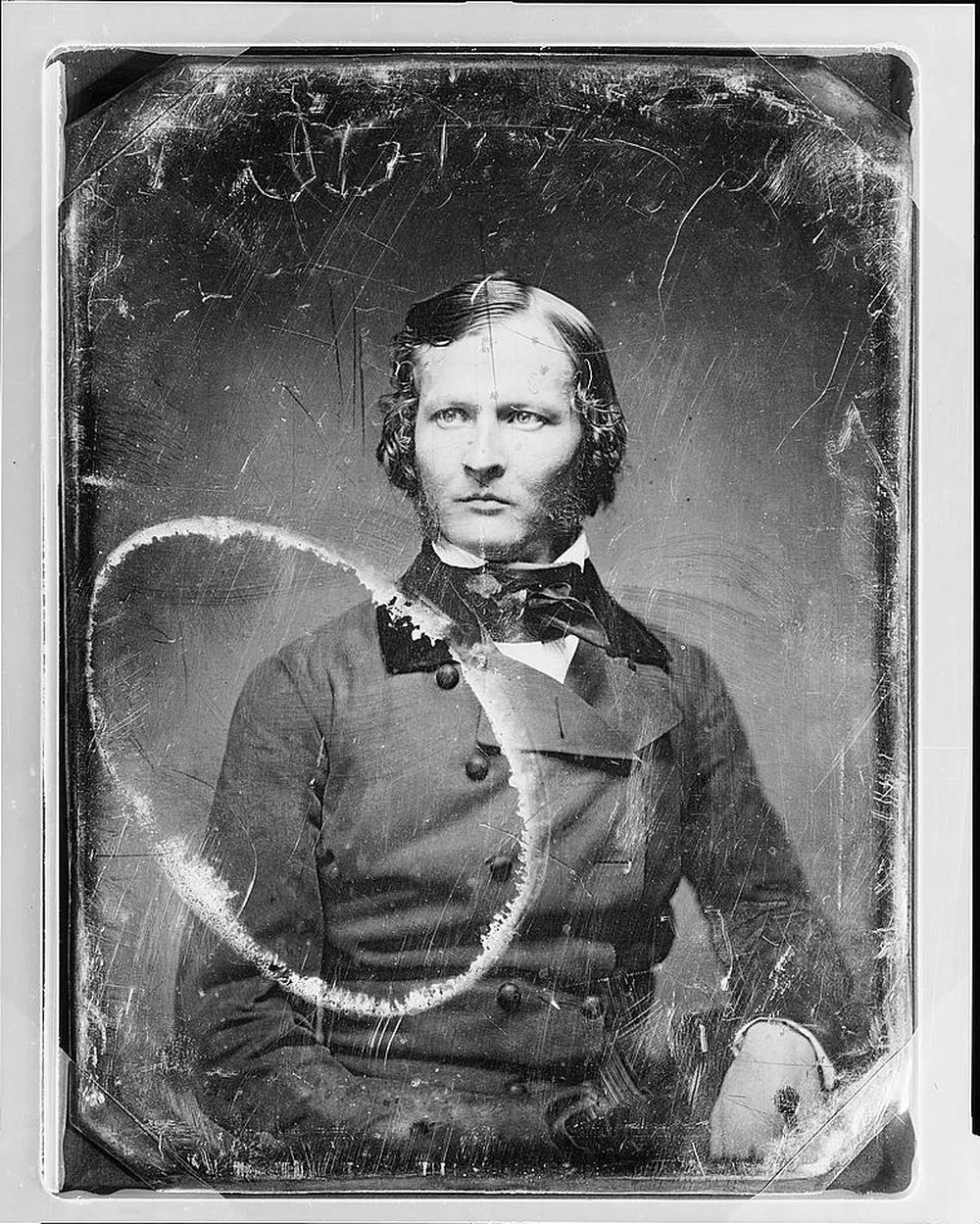
A daguerreotype from the Library of Congress with a ring stain burned across it. Drag the handle. Nothing on this page is a mockup, and where a repair invents rather than recovers, we mark it.
Original: American daguerreotype, about 1850, Library of Congress, no known restrictions.

Find the damage you are holding
Ten kinds of damage a family photograph actually suffers. Each tile opens the page for it: what it is, what a repair does to it, and where the repair stops being a repair.

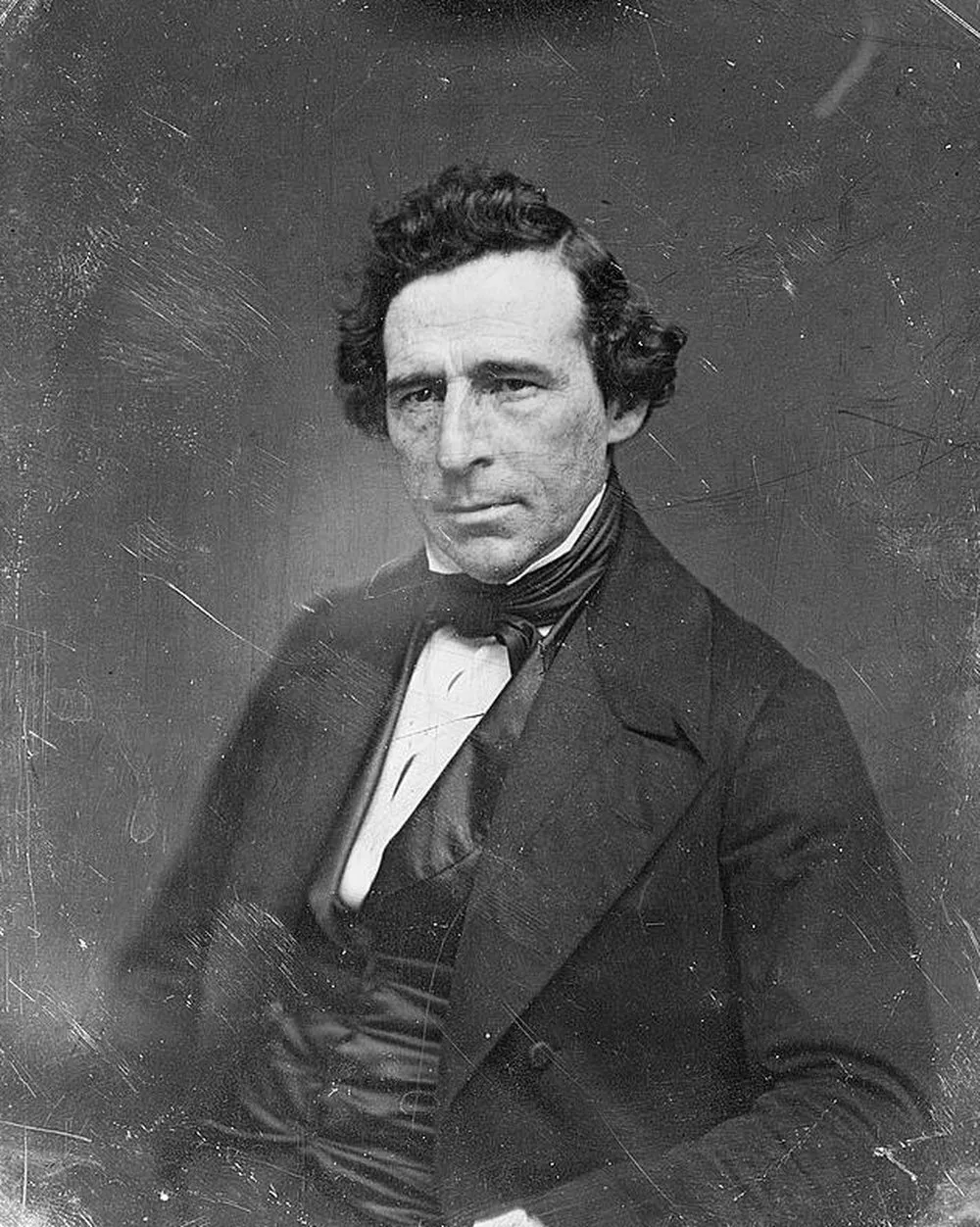 ScratchesCan scratched photos be fixed?Water and ring stainsCan water-stained photos be saved?
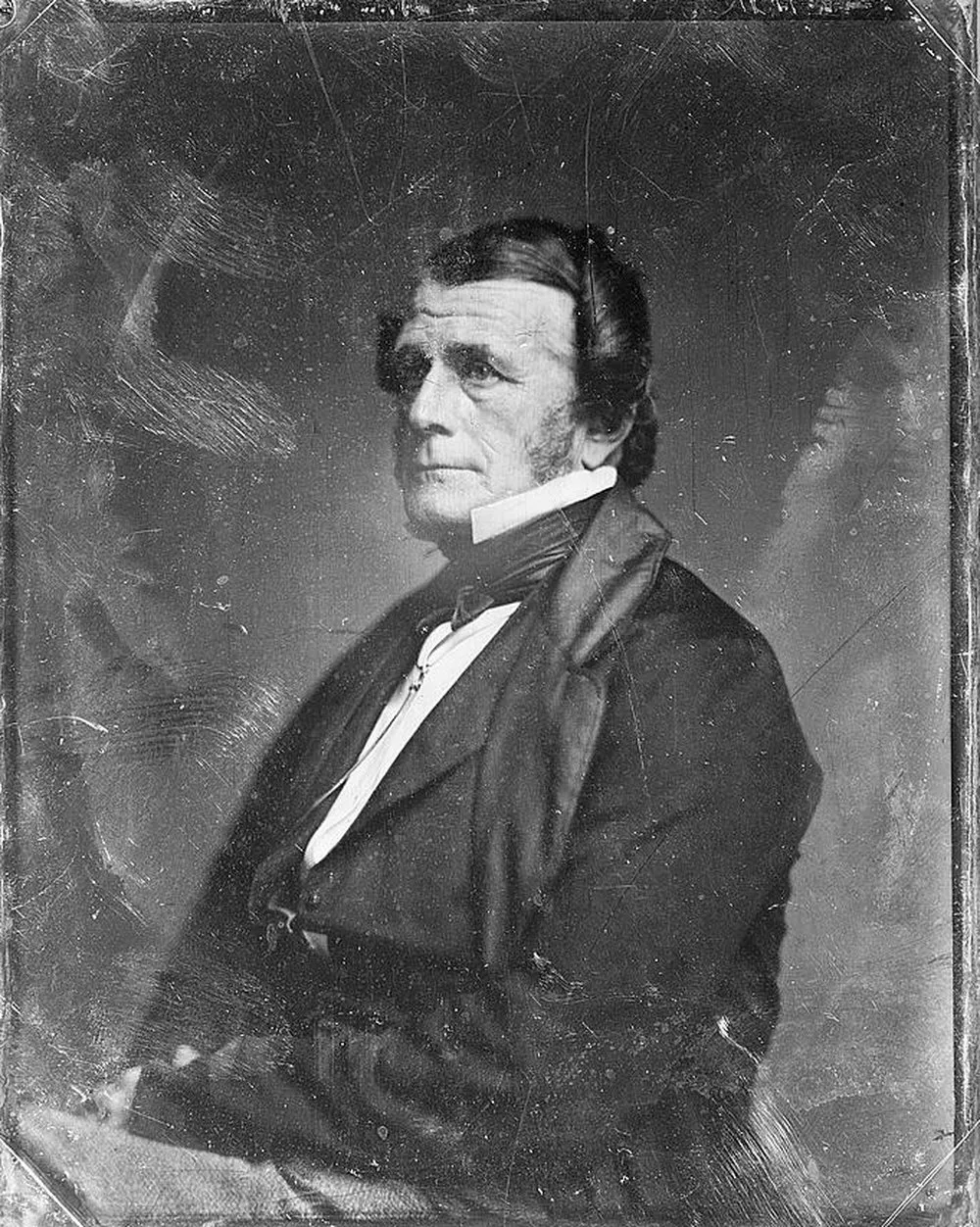 Mould spotsCan mould-spotted photos be cleaned up?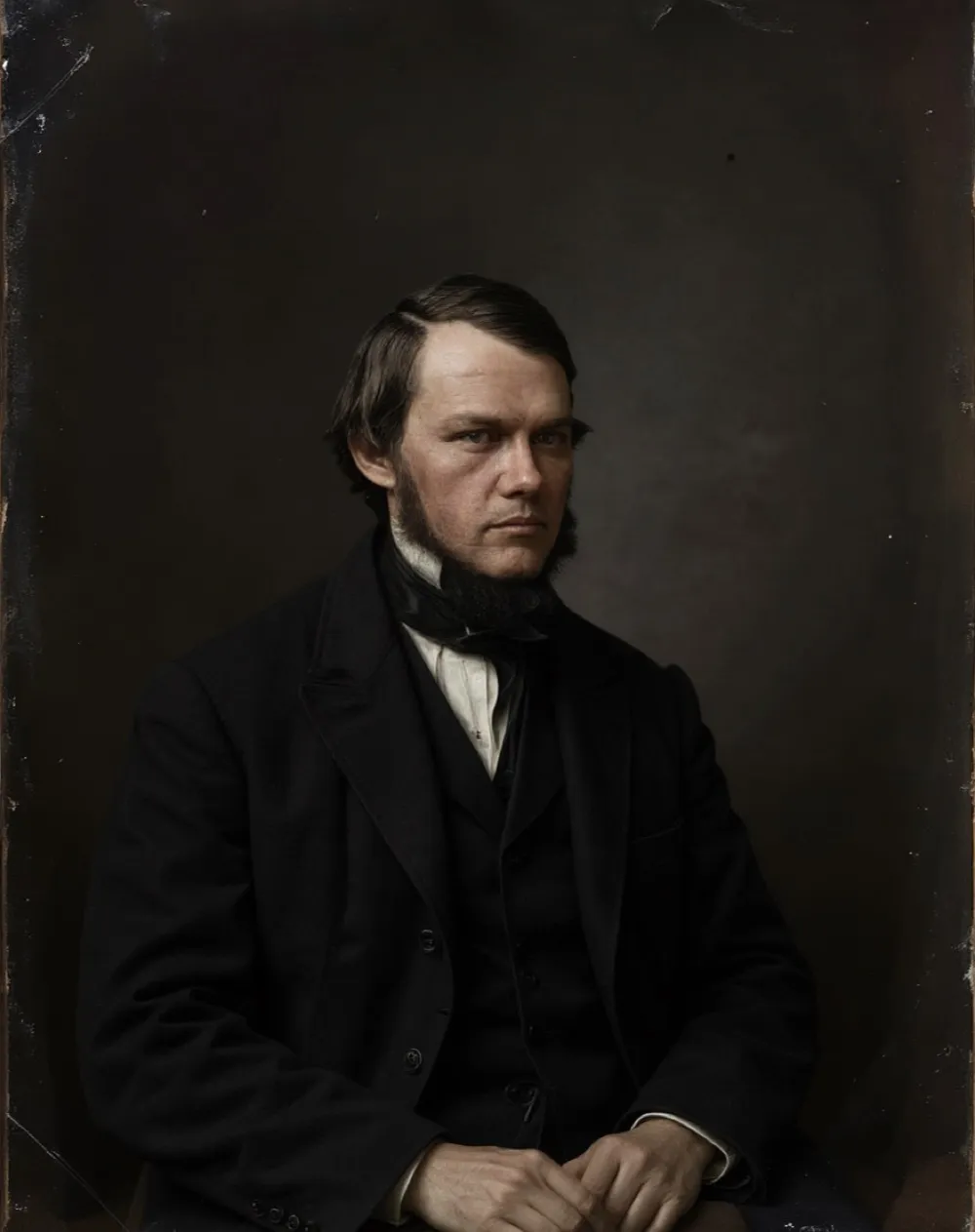
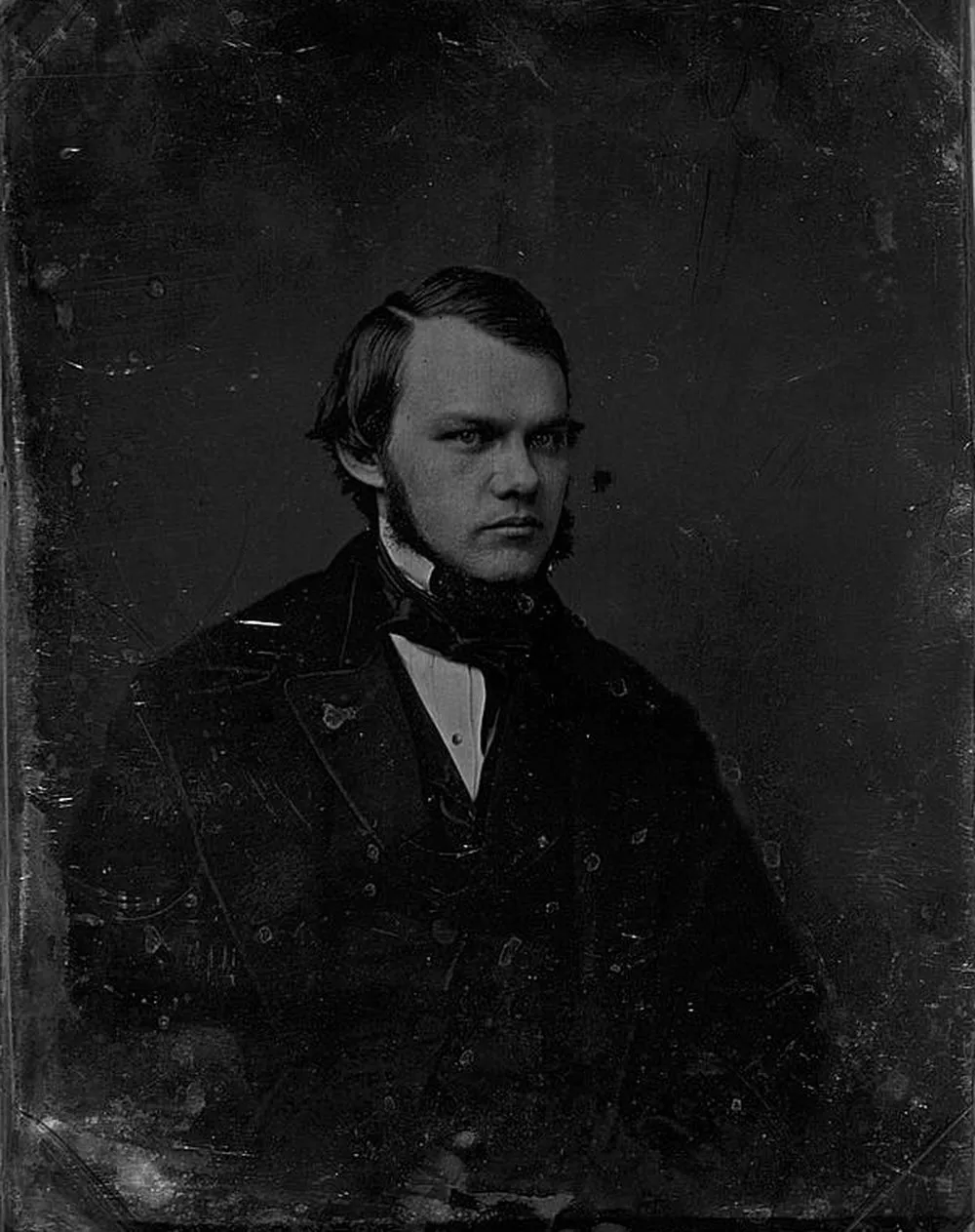 Dark stainsCan stains be removed from old photos?
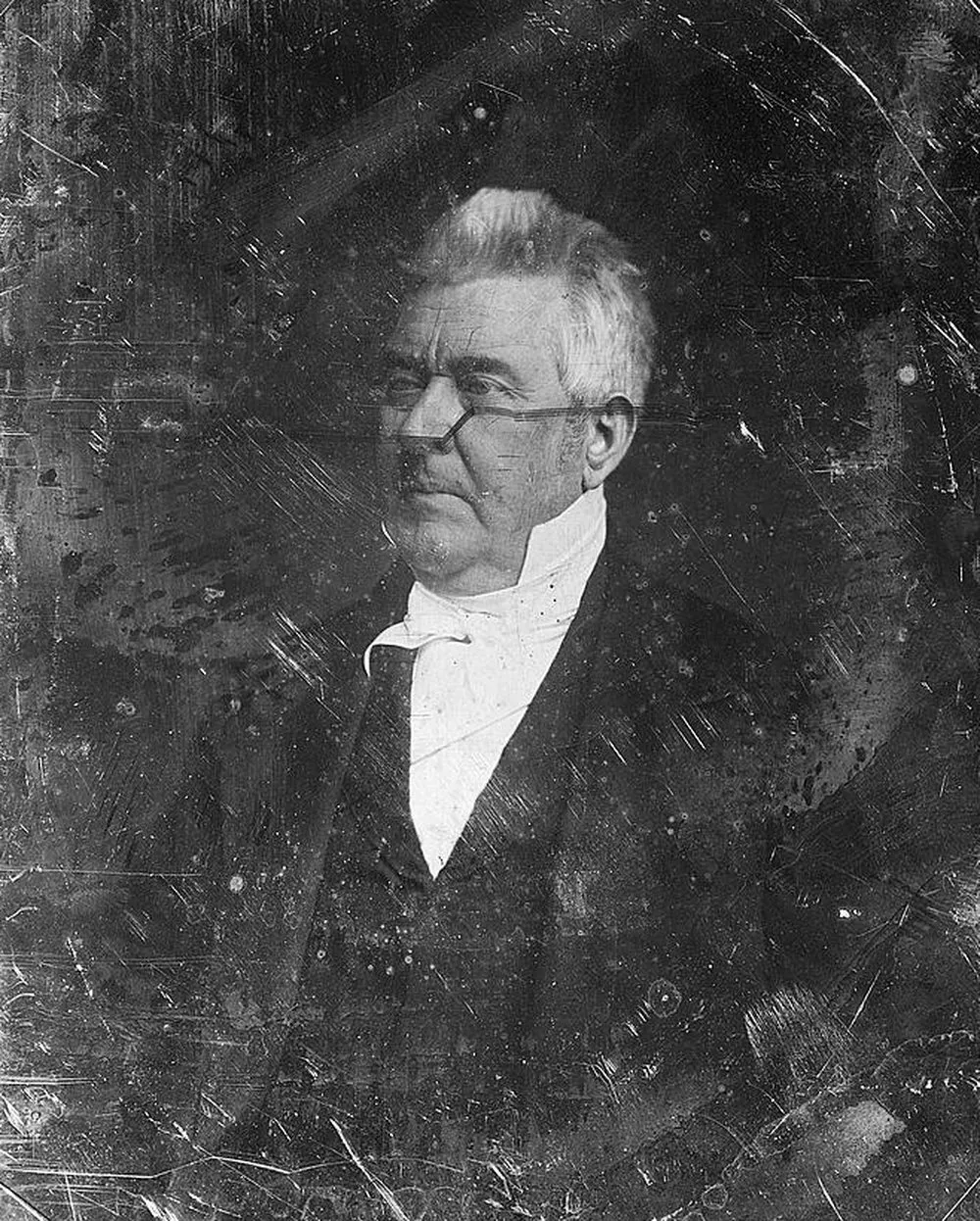 Fading and darkeningCan a badly faded photo be recovered?
 Dirt and grimeCan grimy old photos be cleaned digitally?
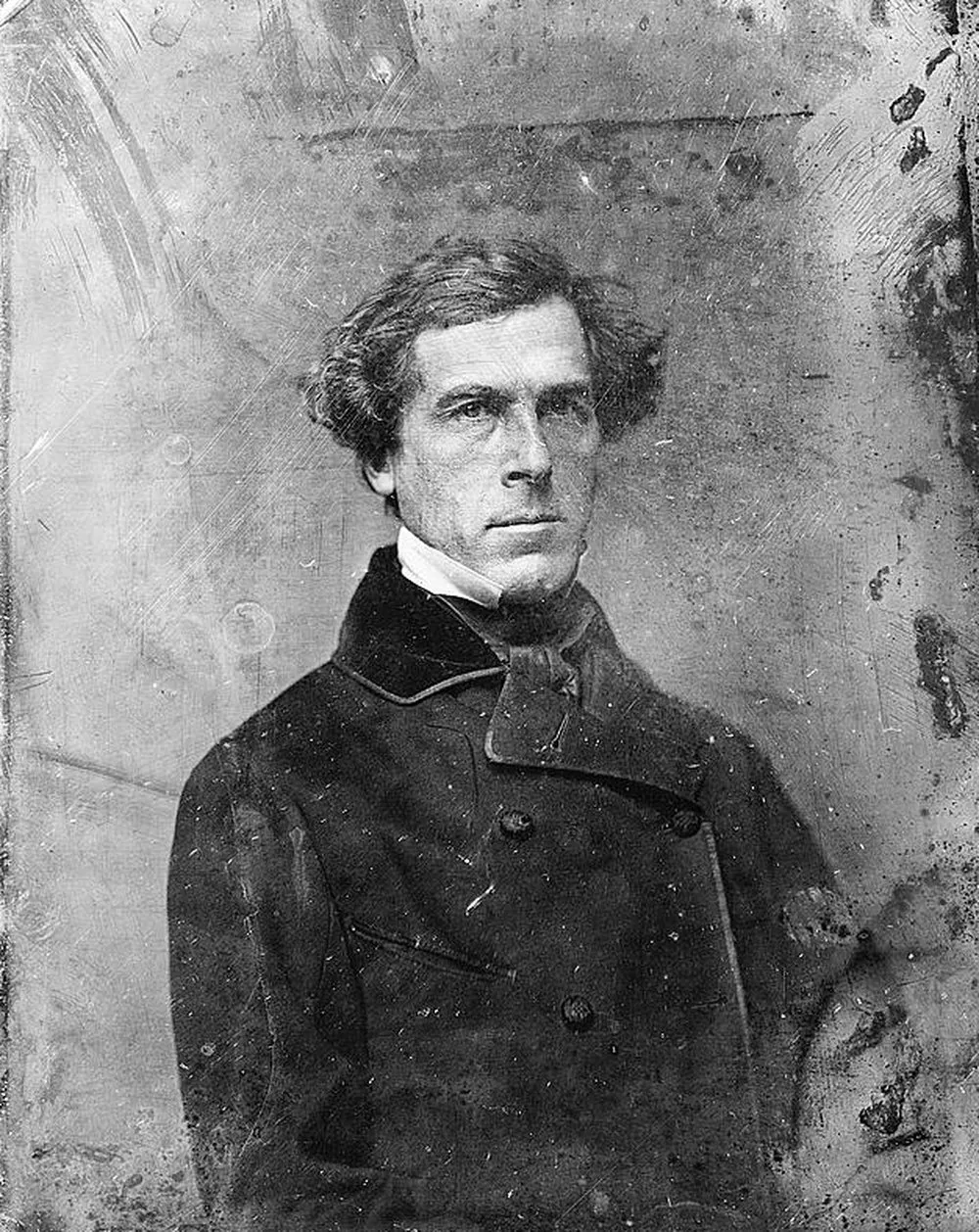 Deterioration and mottlingCan a deteriorating photo be saved?Frame pendingTears and missing cornersCan a torn photo be repaired?Frame pendingBlur and soft focusCan a blurry old photo be fixed?Frame pendingDamaged facesCan a damaged face be repaired?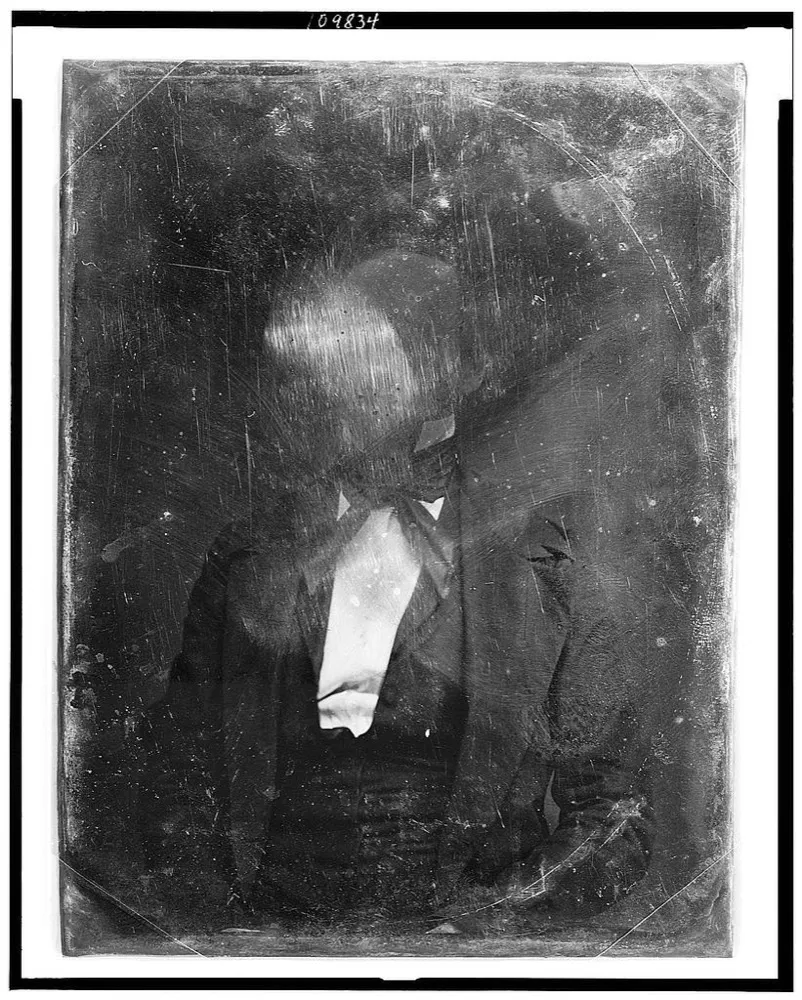
What restoration cannot fix
Honesty matters more than magic. This plate is from the same collection as every repair above, and its face is gone: a century of abrasion removed the image layer itself. Restoration rebuilds from surviving detail, and here nothing survived to build from. A model could invent a face, but it would be an invention, not your relative. When damage crosses that line we say so, and this photograph is where the line is.
Why we publish itType the print in your hand
A 4 by 6 inch print at 600 DPI gives you 2400 by 3600 pixels.
Whatever the number says, 600 DPI is the floor for a photograph you care about. The full picker, with file sizes and every common combination, is on the scan settings page, and the DPI advisor will just tell you what to use.
What the damage is, what a repair can do about it, and where it stops.
How to flatten a curled or rolled photograph
Old prints curl because paper and emulsion pull against each other as humidity changes, and a tightly rolled print is the dangerous end of that same problem. Here is why it happens, the slow humidity method that flattens a print without cracking it, and what to never try instead.
8 min read
How to separate photographs that have stuck together
Old prints fuse when damp meets pressure meets a gelatin emulsion, whether they are stacked in a box or pressed against the glass of a frame. Here is the soak method conservators use, the controlled humidity method for framed prints, what each costs you, the formats that must never touch water, and when to stop and scan instead.
14 min read
Why old photos turn orange, and whether it can be reversed
That orange cast is not dirt and it is not fading light. It is one dye layer outliving the others, which explains why the damage looks the way it does and what can honestly be recovered.
7 min readResolution, colour mode, file format and the corrections to leave switched off.
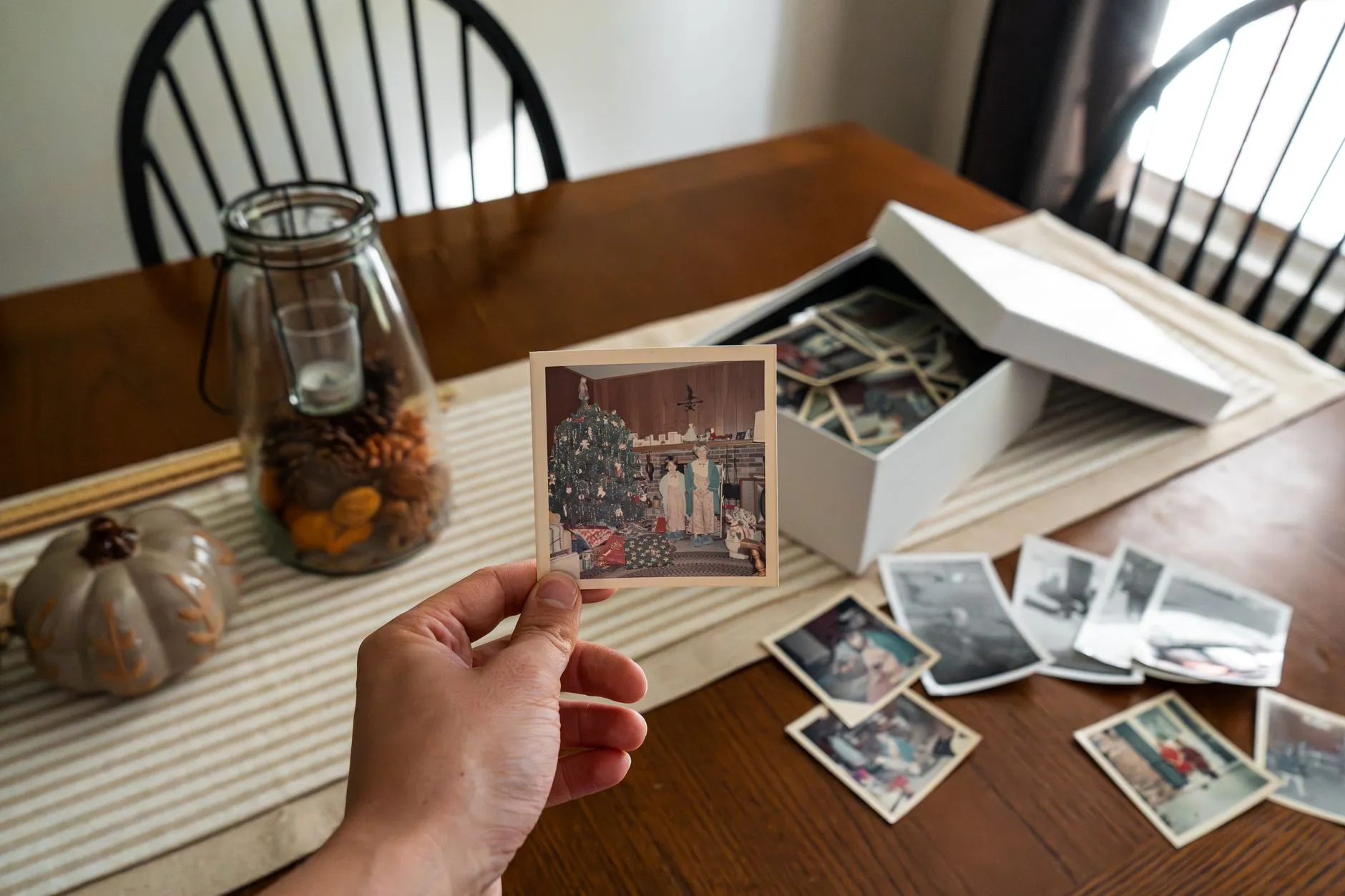
TIFF or JPEG for scanned old photos: which should you keep?
The honest answer is both, for different reasons. What generation loss actually does to a JPEG over years of reopening and resaving it, the master and copy habit that avoids the problem entirely, and what the choice really costs in storage for a full collection.
8 min read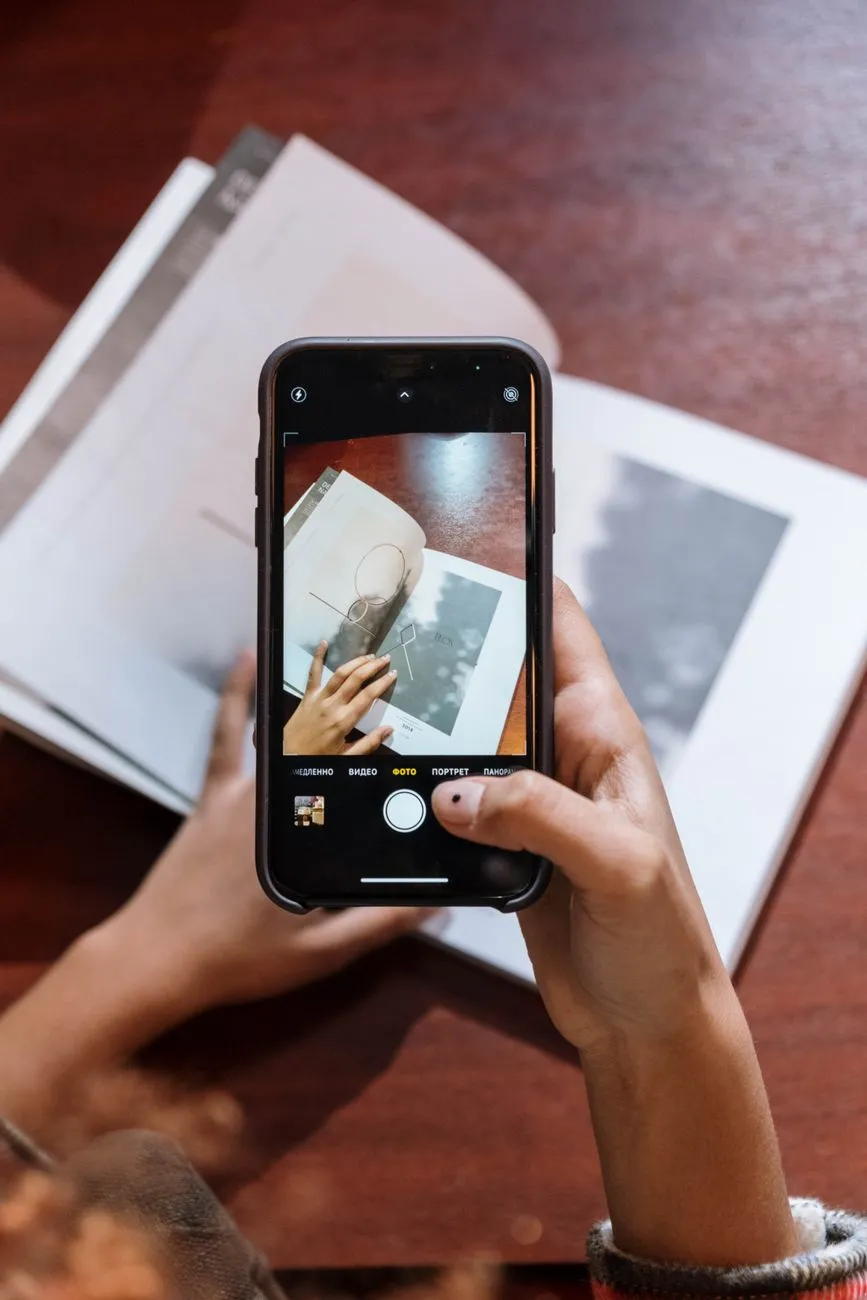
How to scan old photographs with a phone, properly
A phone camera can produce a genuinely good digitisation of a print, but only if you get the light right. Here is the technique, the glare fix, and an honest look at how many pixels you actually end up with.
7 min read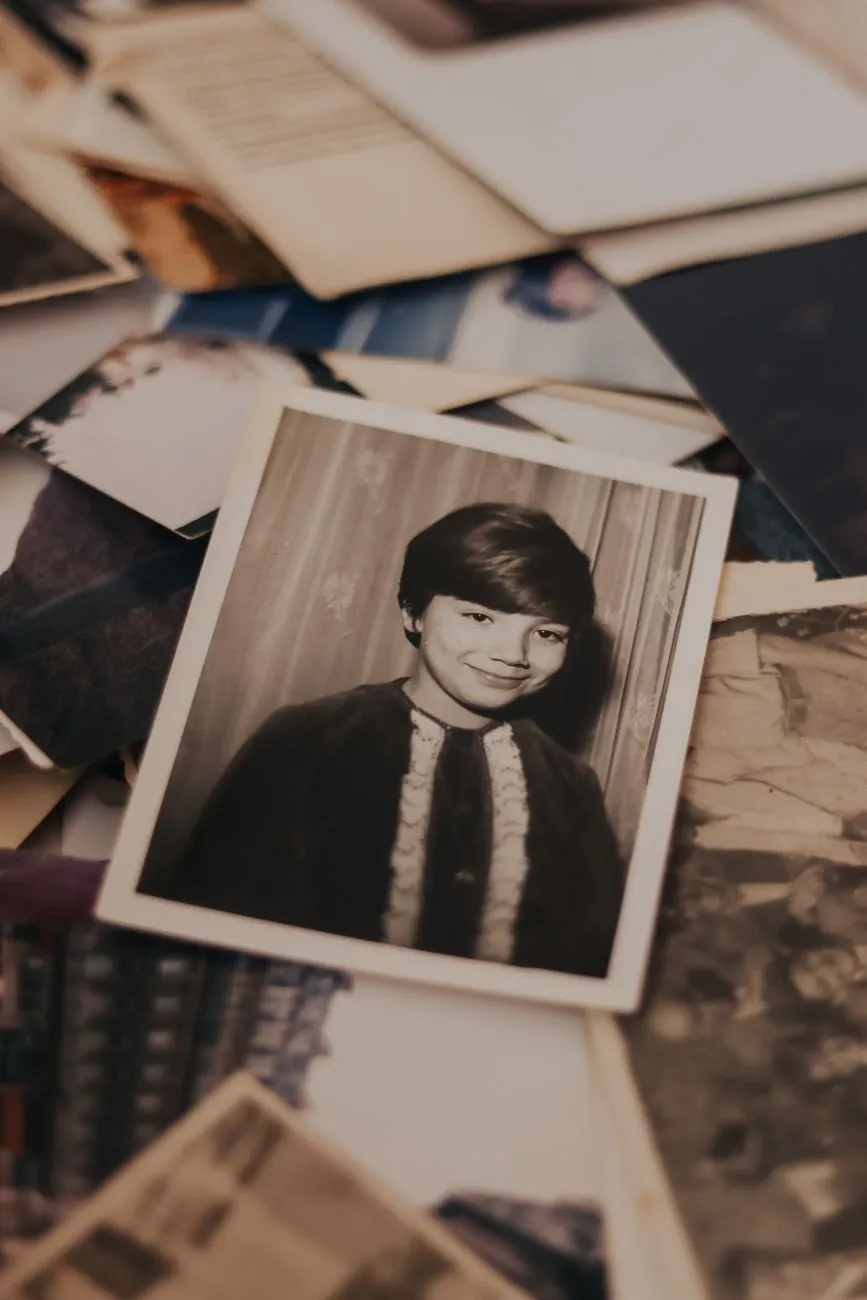
Scan or Photograph? Deciding Which Is Right for the Print in Front of You
A flatbed is not always the right tool. Here is the decision tree for choosing between a scanner and a camera, print by print, and how to get a camera capture that holds up.
7 min readStorage, sleeves, albums and the three rooms in a house to never use.
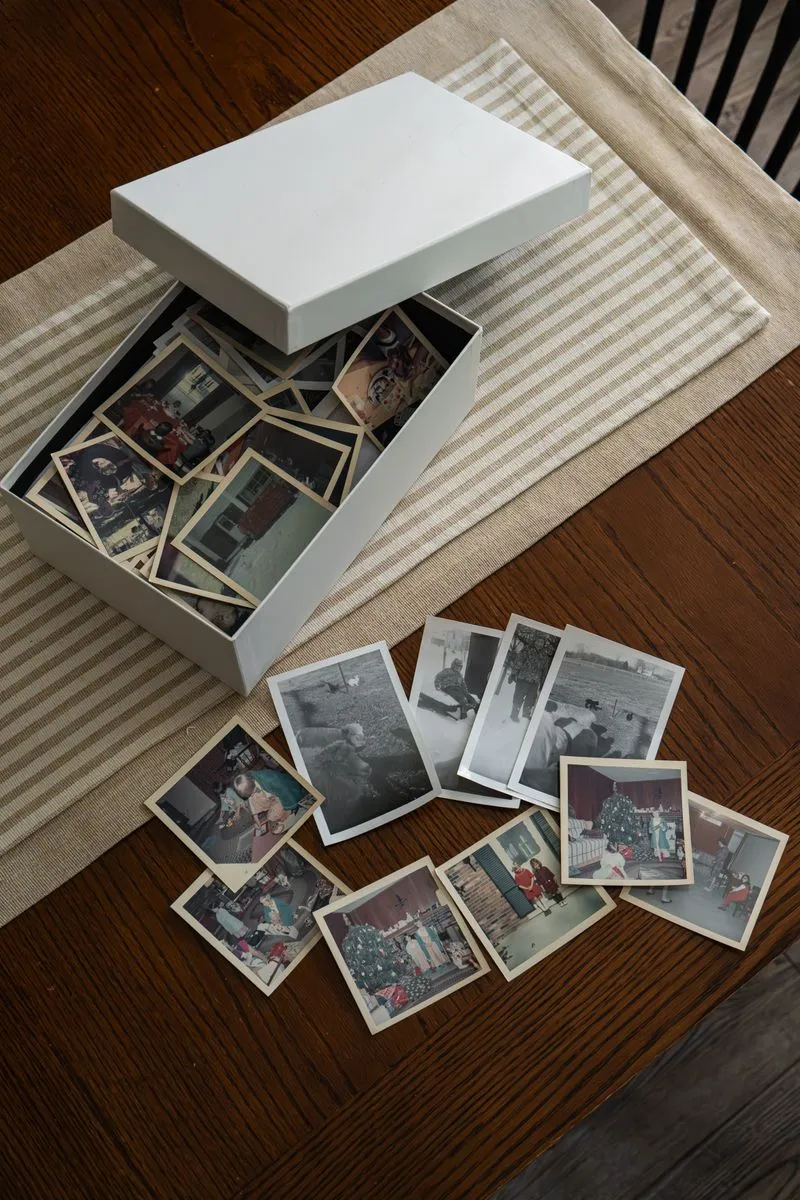
How to sort a box of old family photos in an afternoon
A shoebox of loose prints feels impossible until you stop asking who, when and where at the same time. Here is the four-pile method for triaging a whole collection in one sitting, and what to do with the duplicates and the photos of nothing that make up half of it.
10 min read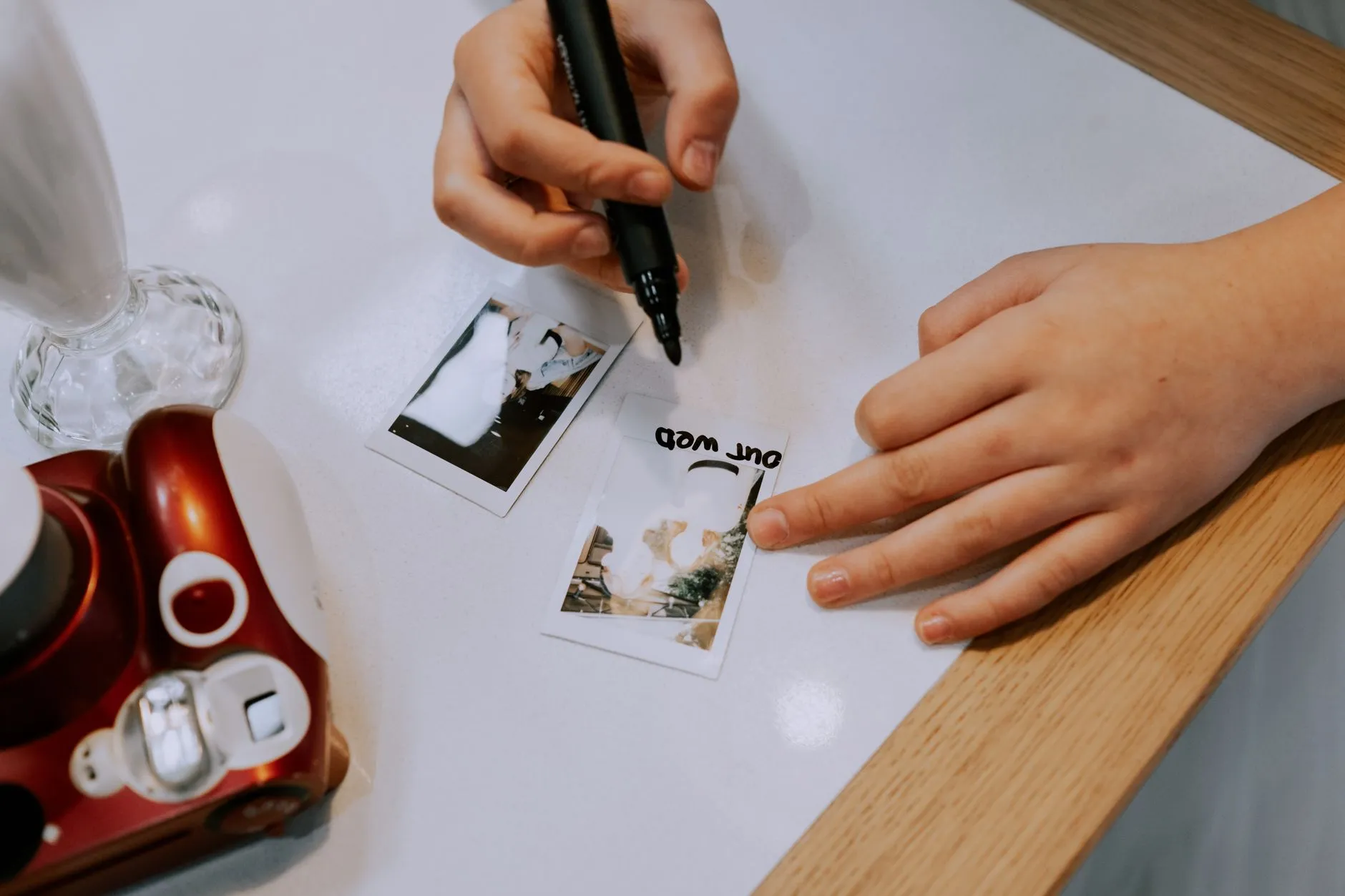
How to label old photos without damaging them
The wrong pen can ruin a photograph faster than forty years in an attic. Here is which pencil actually works, where to write, and why the safest place to put a caption is not on the print at all.
7 min read
How to organise four hundred scanned family photographs
A shoebox of loose prints becomes four hundred files named IMG_0001 through IMG_0400, and nobody can find anything. Here is how to sort the box in one pass, then build a folder and filename system that still makes sense in twenty years.
13 min readFree tools, paid tools, services and people, with the honest verdict on each.
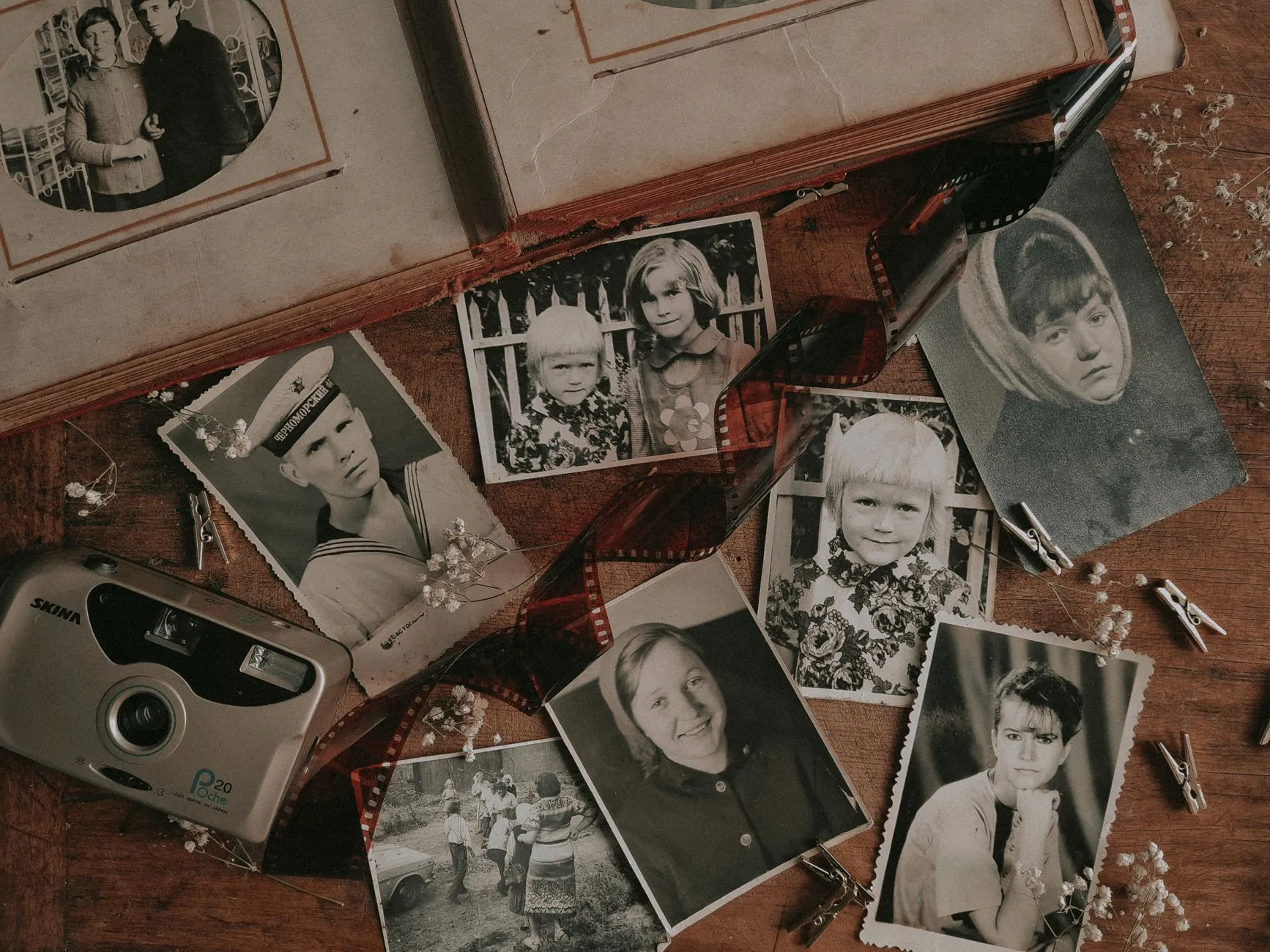
Should you colourise your old black and white photographs
Colourisation is a plausible guess, not a recovery. Here is what it actually adds, where it genuinely helps, and why the original scan should always survive alongside it.
7 min read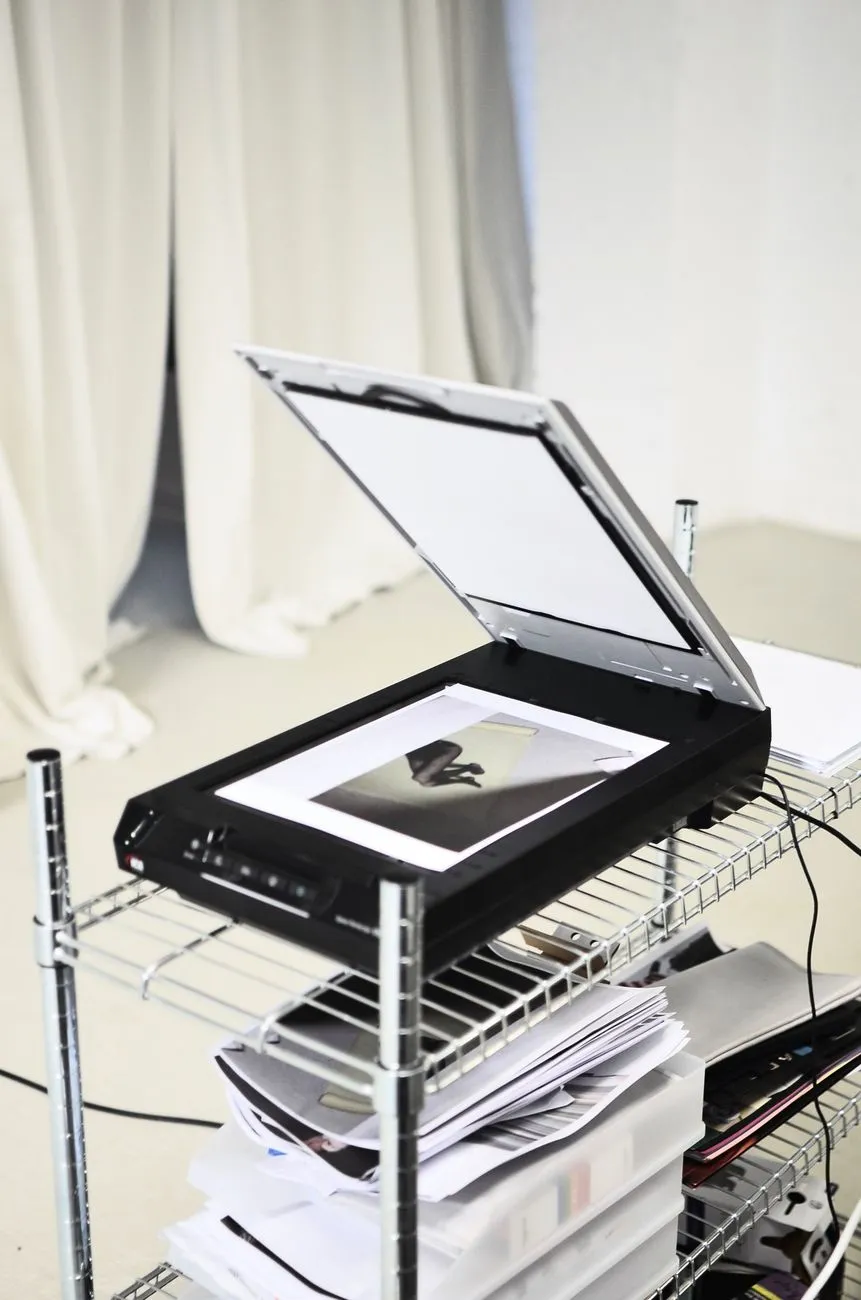
Photo scanning service vs doing it yourself: the real comparison
The honest way to decide between a scanning service and a DIY scan-a-thon. Put a number on your own time, know what services quietly skip, and ask the right questions before you mail anything.
8 min read
The best way to restore old photos on an iPhone
A full workflow for restoring old family photos on an iPhone, from capturing the print to keeping a safe original, with an honest look at what a phone can and cannot do compared to a scanner.
7 min readPhoto Restore, for when you have four hundred of them
Everything on this site can be done by hand with patience and a real editor. The app is the fast route: pick a photograph, pick what is wrong with it, and the work comes back in seconds. It runs the same class of model the repairs above were made with.
- RestoreCreases, spotting, staining and surface scratches.
- EnhanceSoft focus sharpened, faded detail lifted back out.
- ColorizeBelievable colour on a monochrome print. Plausible, not archival.
- AI HeadshotThe one tool here that is not about old photographs.
The photographs are not getting any younger
Start with the one you keep meaning to deal with. The repair wall has the damage; the calculators have the scan.