
Can mould-spotted photos be cleaned up?
How to fix mould and mildew spots on old photos
Mould is the one photo problem that is still alive. The marks can be removed digitally, but the original needs handling first, because mould spreads.

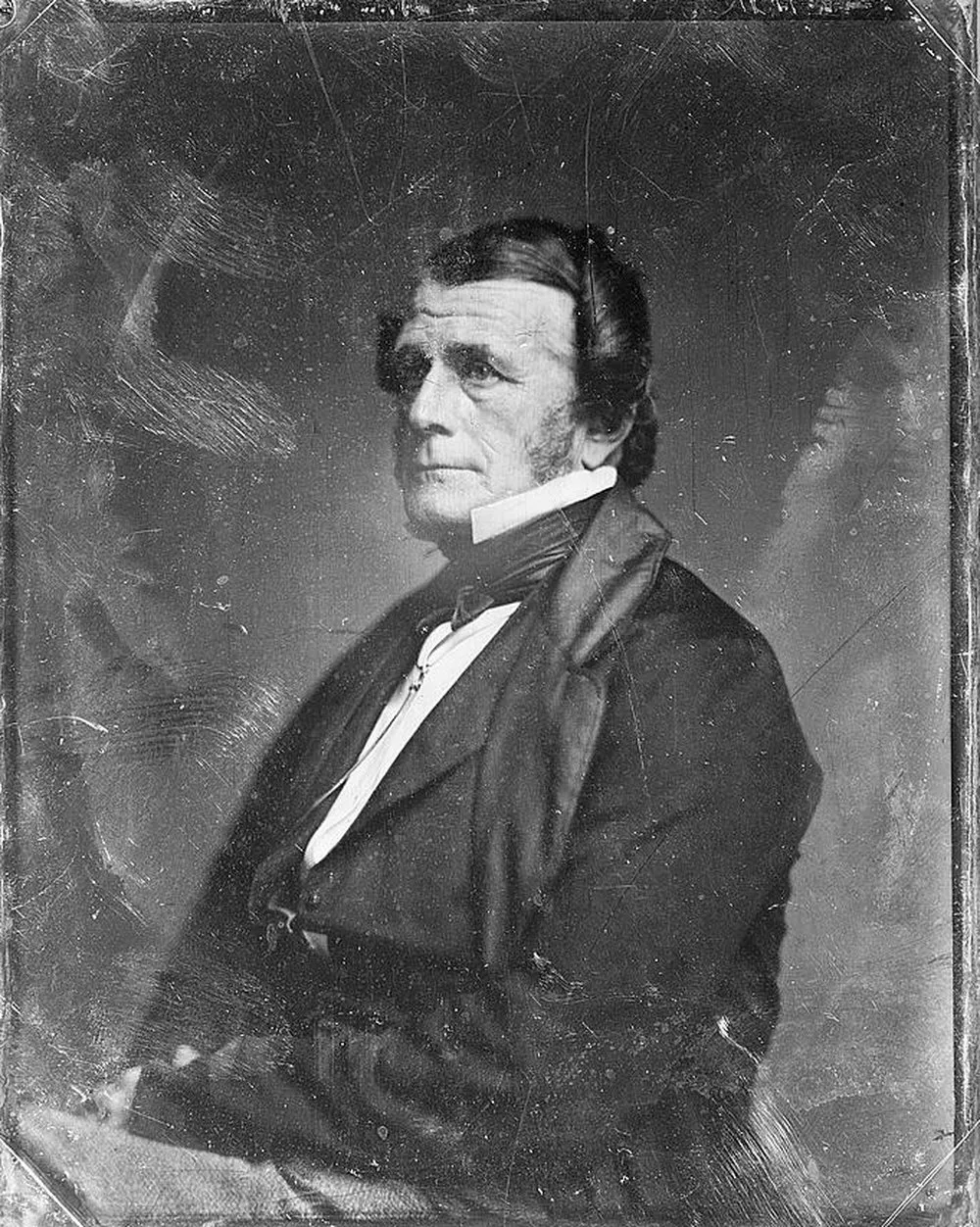


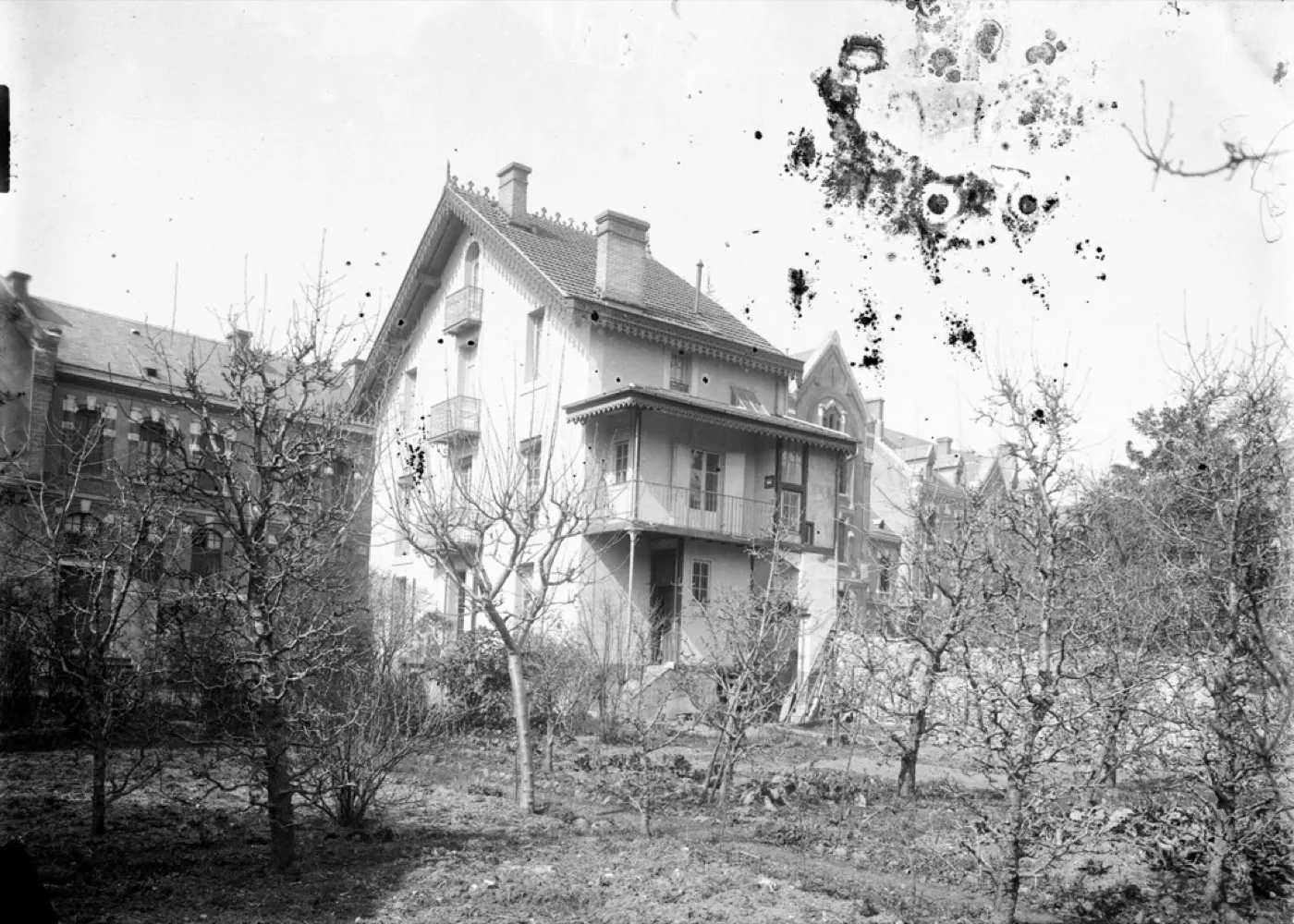 Before
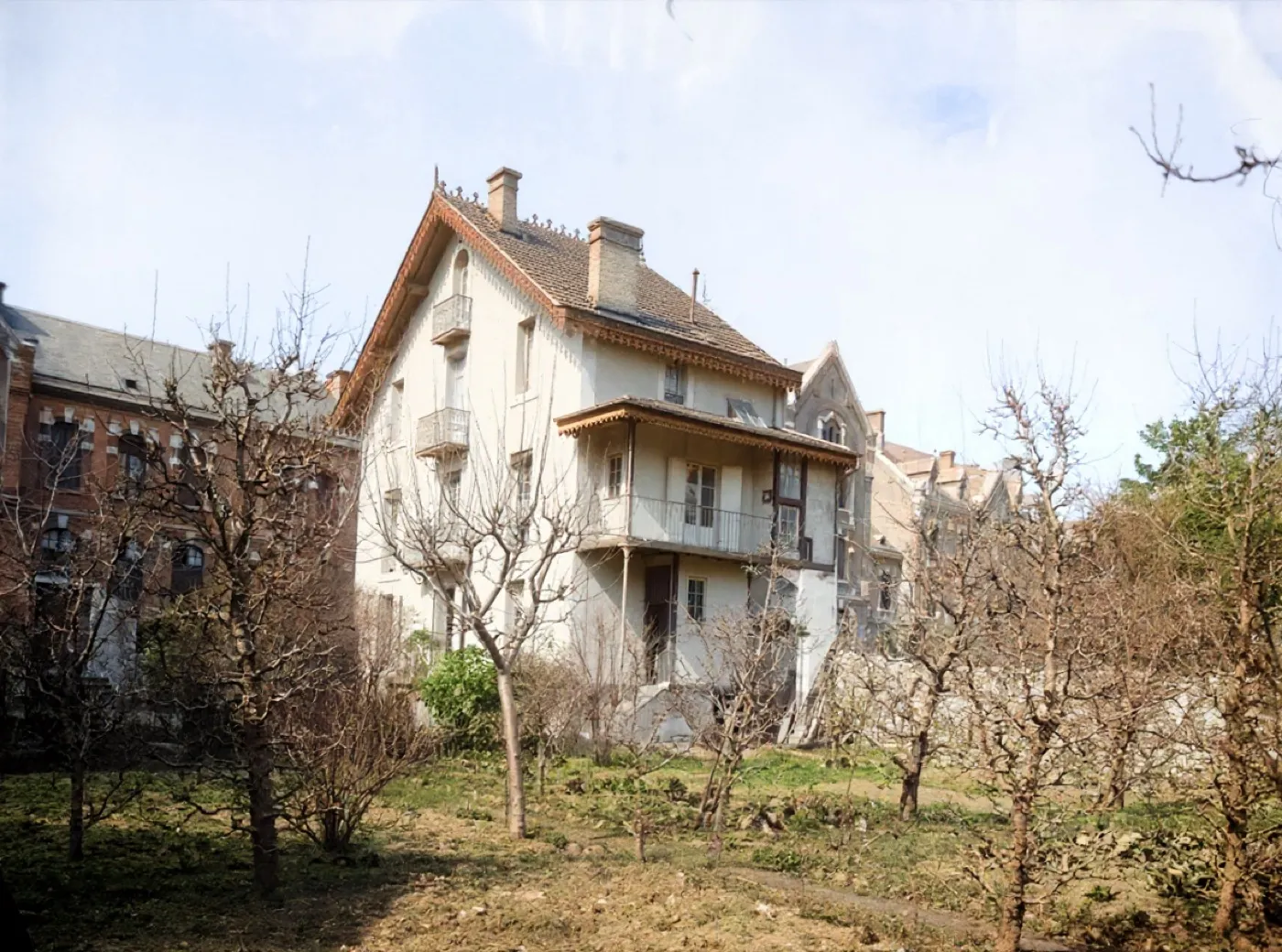 After
AfterDense fungal spotting across a plain sky
Sky is the giveaway surface: it has no texture to hide a bad fill in. If the spotting lifts and the sky stays even, the result is real. If it goes blotchy, the frame says so.
Sky was the test this page set, because it has no texture to hide a bad fill in, and the sky came back even. The spotting is gone, the house keeps its balconies and its roofline, and the bare orchard in front of it is still the same orchard. The best result of the thirteen runs made for this site. It came back in colour, unasked, like every Restore run here.
- Source
- Chalet de Trutat, Foix
- Holder and licence
- Wikimedia Commons, no known copyright restrictions
- Control used
- Restore
- Model it called
- flux-kontext-apps/restore-image on Replicate
- Elapsed
- 9.0 seconds
- Output size
- 1184 x 880 px
- Captured
- 17 Sep 2026

What this damage is
Photographs are food: the image layer of most old prints is gelatin, and in humidity above about 65 percent mould will eat it. It shows as fuzzy or powdery spots, blotches with soft edges, and in bad cases a bloom across the whole surface.
Unlike a stain, active mould keeps going, and it travels to neighbouring photos in the same box. An affected photo should be moved somewhere dry and kept apart from the rest of the collection.
Can it be fixed?
Digitally, mould spots behave like stains and AI restoration lifts them cleanly, as both examples show. Physically, let the photo dry completely, then brush spores off gently with a soft dry brush outdoors. Never wipe mould with a wet cloth; moisture is exactly what it wants, and rubbing pushes it into the image layer. Scan the photo once it is dry, and the digital copy is safe forever.
Where the repair stops
Mould spots behave like stains and lift cleanly while the image layer is still there. Where the mould has eaten through to the paper, the spot is a hole, and a hole gets filled with an invention. On a face, that is the line this site will not cross quietly.
Before any repair, get a proper scan: the DPI advisor gives the right setting in two questions, and the scanning guide covers the craft.
One print with fungal blotting across a light sky, the hardest ground for a repair to fake, run through three tools on the same day.
Photo Restore
Our own app, the Restore control
- Elapsed
- Awaiting the run
- Verdict
- Not written yet
Pending a run: every restoration is billed to a hosted model, so it needs sign-off.
MyHeritage Photo Enhancer
Free tier, with In Color
- Elapsed
- Awaiting the run
- Verdict
- Not written yet
Pending the chairman: the free tier will not release a result without an account.
Remini
Free tier, the enhance preset
- Elapsed
- Awaiting the run
- Verdict
- Not written yet
Pending the chairman: the free tier is an app install behind a sign-in.
When these three frames exist, this bench will say plainly what each tool beats us at. A comparison that only ever finds us in front is an advert, and we have said so on the about page since July.
Five things to do to the original, in this order
- Move the photograph away from the rest of the collection today. Mould travels.
- Let it dry completely somewhere cool with moving air.
- Brush spores off gently with a soft dry brush, outdoors.
- Never use water, cleaner or breath on it.
- Fix the humidity in the room it came from, or the next box goes the same way.
Common questions
- Is mould on photos dangerous to other photos?
- Yes. Mould spreads by spores to anything sharing the same air and humidity, which is why one mouldy box corner can claim a whole album over the years. Isolate affected photos and fix the humidity.
- How do I clean mould off a photograph safely?
- Only when fully dry, only with a soft dry brush, ideally outdoors. Never use water, household cleaners or breath. If the photo is valuable, scan it first so a copy exists before anything touches it.
- What humidity should photos be stored at?
- Between roughly 30 and 50 percent relative humidity, in a living space rather than a garage, attic or bathroom cupboard. Stable and dry beats cold and damp every time.
The damage is the before. You hold the after.
Real repairs on real photographs. Your family's copies deserve the same rescue.