How to share a family photo archive with relatives
A shared cloud folder is not an archive, it is a link that can rot. Four ways to share scanned family photos, ranked by how likely they are to still work in ten years, and why getting corrections back from relatives is worth more than the sharing itself.
You have scanned the box. Maybe several boxes. Somewhere in the process the project quietly changed shape, from “digitise these photographs” to “now what”. The honest answer is that the photographs are not finished being useful until other people have seen them, and some of those people know things about the photographs that you do not.
Sharing a family archive is a different problem from building one, and it is worth treating it as its own step rather than an afterthought to the scanning. Here is a ranked look at how to actually do it, and the one thing worth asking for in return.
Four ways to share, ranked by how likely they still work in ten years
Not all sharing methods are equal, and the gap between them is less about ease of use today and more about whether anyone can still open the thing in a decade.
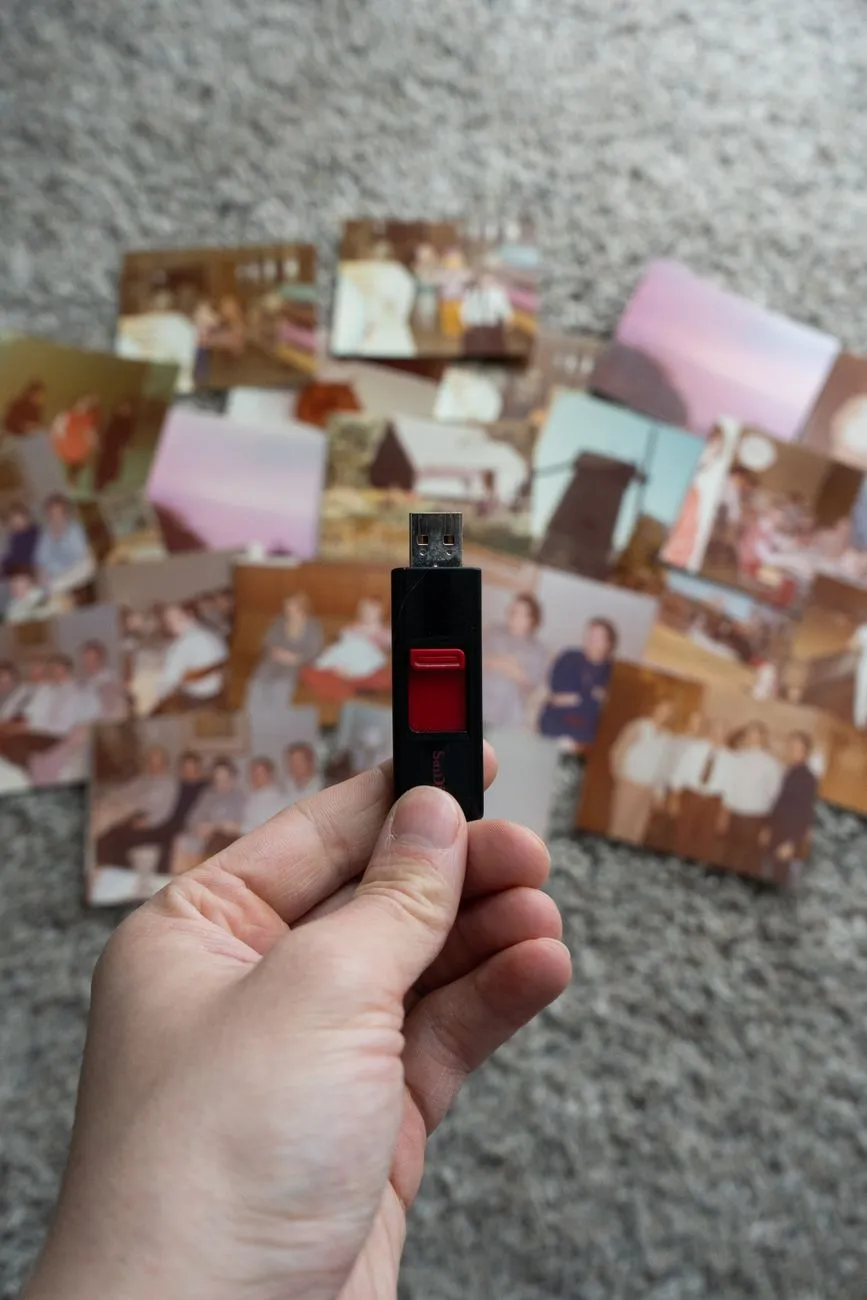
1. A shared cloud folder everyone also copies locally. Services like a shared Google Drive or Dropbox folder, set so every participant can both view and download, score highest here precisely because nothing stops a relative from pulling a full copy onto their own computer. The folder itself can vanish, an account can lapse, a company can change its terms, and the archive still survives in three or four separate houses. The weak point is that most people never do the downloading step unless you ask them to directly, so say it plainly: “please save a copy of this folder somewhere of your own, do not just leave it open in a browser tab.” Our guide on how to back up scanned family photos covers the same logic from the archiving side.
2. A private shared album in a photo app. Apple’s shared albums, Google Photos shared albums and similar features are genuinely pleasant to use and good at the thing they are built for, letting a group of people browse and comment on photos on their phones. They are weaker as an archive, because the files inside them are frequently resized by the platform, and because the whole thing depends on everyone staying on the same ecosystem and the service continuing to exist in its current form. Good for the sharing. Not where the masters should live.
3. A simple private web page or static gallery. More setup than the other options, and genuinely durable if you are willing to do it, because a page of static images with no account required can be viewed by anyone with the link for as long as the hosting exists. This is overkill for most families, and worth it for a collection that has grown large enough to need actual browsing and search rather than scrolling.
4. Messaging apps and email attachments. The lowest common denominator, and ranked last on purpose. A photo texted to a group chat gets seen, gets a reaction, and then gets buried under the next hundred messages within a week. Email is slightly more durable because messages stay searchable, but most mail providers compress attachments, and nobody is browsing an inbox as an archive five years from now. Use this method for sharing a handful of favourites, not for handing over a collection.
A shared cloud folder is not an archive on its own, in any of these forms, and that is worth repeating because it is the single most common mistake in this whole project. A link is a pointer to one copy sitting on someone else’s server. It is an excellent way to share. It is a fragile way to preserve, right up until someone actually downloads what is behind the link.
The resolution question: send the viewing copies, keep the masters
Most relatives looking at a shared album on a phone will never notice the difference between a 12 megapixel scan and a 40 megapixel one. What they will notice is a folder that takes ten minutes to load because every file is a full-resolution TIFF.
The practical split is to keep one full set of untouched, full-resolution scans as the archive, and share a second, smaller set sized for screens, restored or lightly adjusted where that genuinely helps the photograph read better. Our scan output tool is useful here in both directions, for working out how large your original scans actually are, and for sizing down a viewing set sensibly rather than guessing.
This split also protects you from a specific and common regret. A relative who only ever sees the AI-restored version of a badly faded photograph has no way to judge whether the restoration drifted, because they never saw what it started from. Keeping the original scan accessible, even if most people never open it, means someone eventually can check.
Getting corrections back is the real prize
Sending photographs outward is the easy half of this. The valuable half is what comes back: names for faces you could not place, a corrected date, the actual reason someone is holding a trophy in a photo you had filed as “unknown occasion.” A relative who was a teenager when a photo was taken often holds information that exists nowhere else, and that information has an expiry date measured in that person’s remaining years, not yours.
A few habits make replies actually happen, rather than politely stalling in someone’s good intentions:
Ask one specific question per photo, not a general invitation to help. “Who is the boy on the left in this one?” gets answered. “Let me know if you recognise anyone in these” gets a thumbs-up reaction and nothing else. Specific, narrow questions convert into real answers far more often than open-ended ones.
Let people reply however is easiest for them, a text back, a comment on the shared photo, a scribbled note next to a printed contact sheet if that is what gets used. Do not make someone learn a new piece of software just to tell you their mother’s maiden name.
Write down what comes back immediately, in the filename, a caption field, or a simple spreadsheet, while you remember who said what and how confident they sounded. Memory is not a database, and a correction that lives only in a text thread is one phone upgrade away from being lost. Our guide on adding captions and metadata to scanned photos covers where that information can actually live long term. If the names are uncertain, say so in the caption rather than presenting a guess as settled fact.
Follow up with the specific people who know things, not just the group chat. A general share reaches everyone equally, but the most useful information usually sits with one or two relatives, often the oldest ones, who remember the context nobody else does. A direct message asking that person specifically tends to outperform a broadcast every time.
A plan that actually gets used
The version of this that survives contact with a real, busy family is simpler than it sounds:
- Finish the scanning first. Our guide on what DPI to scan old photos at covers getting a master worth keeping before any sharing starts.
- Keep one full-resolution, untouched set as the archive, in whatever storage setup your backup plan already uses.
- Make a smaller viewing set, restoring the ones worth restoring, our page on faded and darkened photos covers what that recovery can genuinely do, and share that set widely using whichever method fits the group.
- Ask specific questions of specific people, and write the answers down the day they arrive.
- Tell at least one other relative where the full archive actually lives, not just the viewing copies, so the project does not depend on one person’s hard drive.
None of these steps requires new software most families do not already have. What defeats most attempts is treating the share as the finish line, when it is closer to the start of the part that actually adds value, the names, dates and stories that only exist in living memory for a little while longer.
Common questions
- What is the best way to share old family photos with relatives?
- There is no single best way, because sharing and archiving are different jobs. For archiving, a shared cloud folder at full resolution that every relative also keeps a local copy of is the sturdiest option. For sharing, a private album or a simple web page works better, because most people do not want to download a thousand files to look at a few dozen.
- Is a shared Google Photos or Dropbox folder a backup?
- No, not on its own. It is one copy, controlled by one account, subject to that company's terms and that person's subscription staying current. It is a perfectly good second or third copy alongside your own backup, but calling the shared folder itself the archive is how families end up with no copy when an account lapses or access is revoked.
- Should I send relatives the restored photos or the original scans?
- Send the restored or lightly adjusted versions for viewing, since that is what most relatives actually want to look at. But make sure at least one full set of the untouched original scans exists somewhere durable, ideally with you and with one other relative. The restored versions can be redone from the scan. The scan cannot be recreated from a restoration.
- How do I get relatives to send back corrections and names?
- Make replying easier than ignoring the message. Ask one specific, answerable question per photo rather than requesting a full audit of the whole archive, and give people a way to reply in whatever app they already use, a text, a comment on the photo, or a reply-all email, rather than asking them to learn a new tool just to tell you a name.