How to add captions and metadata to scanned photos so they survive you
A scanned photo with no caption is a mystery for whoever inherits it. Here is where a caption can actually live, what to record while you still can, and why doing it at scan time beats doing it later.
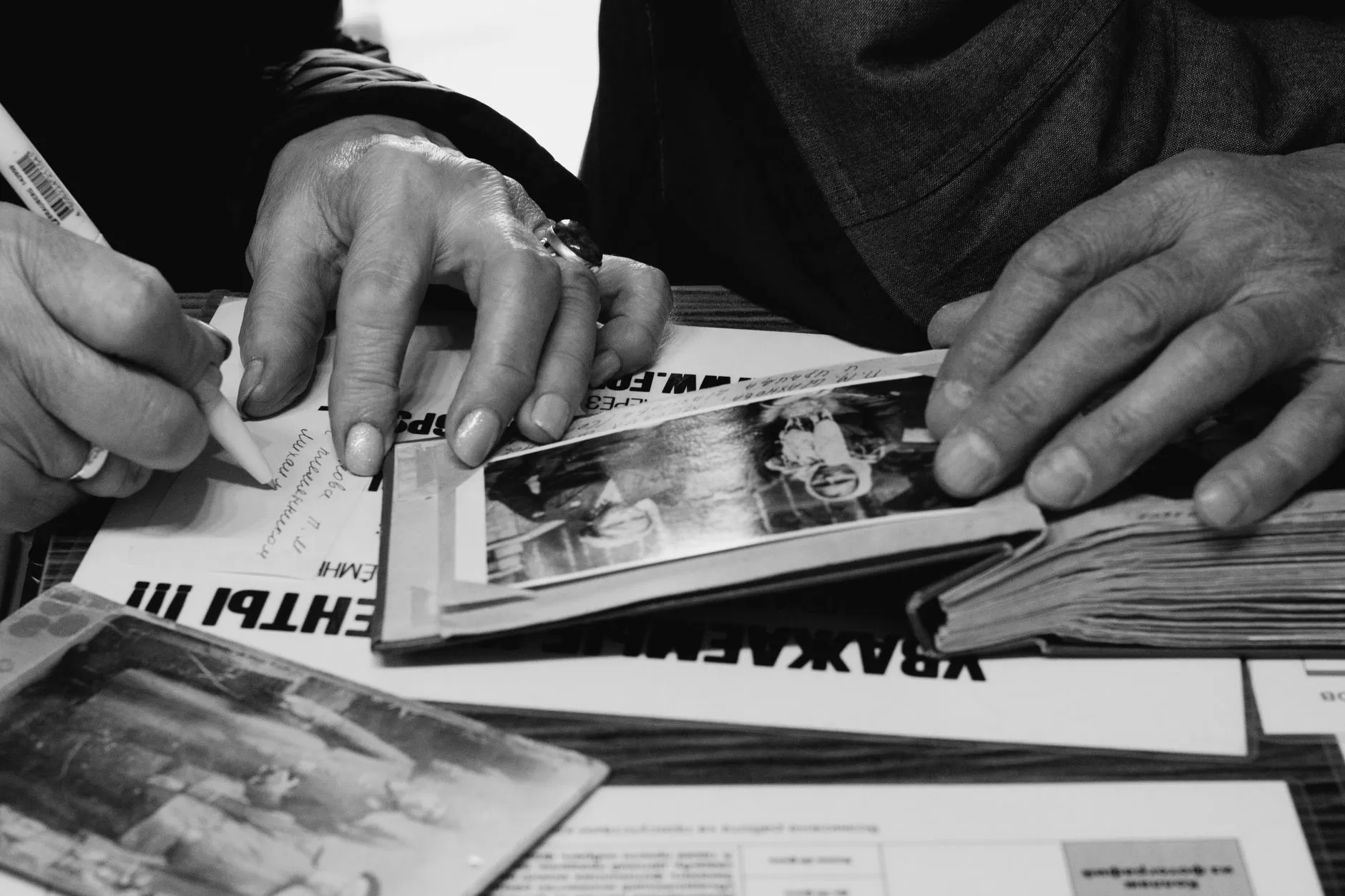
A box of four hundred scanned photographs with no captions is not an archive. It is four hundred mysteries, and the only people who could have solved most of them are usually the ones who are no longer around to ask. Scanning preserves the image. It does nothing for the information that used to live in someone’s memory, on the back of the print, or in a conversation nobody wrote down.
Captioning feels like the optional step after the real work of scanning is done. It is the opposite. The scan is a picture of some paper. The caption is what turns that picture back into a memory someone else can use.
Where a caption can actually live
Before deciding what to write, it helps to know where it can go, because most of the places people default to do not actually travel with the photograph.
The filename. The one piece of information that survives literally everything: every
copy, every cloud upload, every photo app you switch to in ten years. A file called
1978-07-nan-and-pop-backyard-christmas.jpg tells you something useful the moment it
appears in a search, with no software required to read it.
The file’s own metadata. Image files can carry embedded text fields, description, date, keywords, inside the file itself, readable by most photo management software without opening anything else. This is the closest thing to a permanent home for a longer caption, because it moves with the file as a single unit rather than living in a separate record that can get disconnected from the image.
A sidecar file. A plain text or spreadsheet file saved next to the scan with a matching name, for when a caption needs more room than a filename or a metadata field comfortably holds, a full story about who is in the photo and how you know. Keep it in the same folder as the scans, and keep the naming consistent so the connection is obvious even without any database linking them.
A service you do not control. Google Photos descriptions, Apple Photos captions, an album-building app, a genealogy site. Convenient for browsing today, and the one option that does not actually count as a permanent record. The moment you export the photos, change services, or the company changes its terms, those captions can be stripped or left behind entirely. Treat anything typed into a third-party app as a nice-to-have on top of a real caption, never as the caption itself.
Only the first three travel with the photograph wherever it goes next. If you only have time for one, make it the filename. If you have time for two, add metadata or a sidecar file.
What to actually record
A good caption answers five questions, roughly in order of how quickly the answer disappears:
Who. Names, in the order people appear in the frame if that matters, plus how they relate to you. “Nan and Pop” means something to you. It means nothing to a grandchild who never met them, so a full name the first time a person appears is worth the extra few seconds.
Where. A house, a street, a town, a country, whatever level of detail you actually have. Even “the old house before we moved” is more useful than nothing, because it gives a future relative a thread to pull on.
Roughly when. A year is enough. A decade is still useful. Clothing, cars, the age of a child who appears in other dated photos, and any date stamp from the processing lab can all help you narrow it down, and this is one piece of information that can often be worked out later from the photo itself if you cannot recall it now.
Who told you. If you are recording a memory secondhand, that is from your mother, a family tree, a note on the back, say so. It matters later when two sources disagree, and it lets a future relative judge how reliable the caption is.
How sure you are. “Definitely Nan’s sister” and “I think this might be Nan’s sister” are different claims, and collapsing them into the same confident sentence does a disservice to whoever reads it next. Write “possibly” or “circa” rather than guessing silently. An honest guess, clearly marked as a guess, is worth more than a confident caption that turns out to be wrong.
You do not need a biography for every photograph. A single accurate sentence beats a long one you are not sure of, and a short caption written today beats a thorough one you keep meaning to write later.
Do it while the box is still in front of you
The best time to caption a photograph is during the scanning session itself, while the print is in your hand and whatever triggered the memory, a face, a handwriting style on the back, a half-remembered story, is still active. Set the scan aside for even a week and the details that felt obvious in the moment start to blur.
This is also the point where you likely have the most context available at once: the physical print, any writing on its back, the order it sat in within the box or album, and often another person nearby who can confirm a name you are unsure of. Our guide on how to sort a box of old family photos covers getting through a large box efficiently, and captioning fits naturally into that same pass rather than as a separate project afterward.
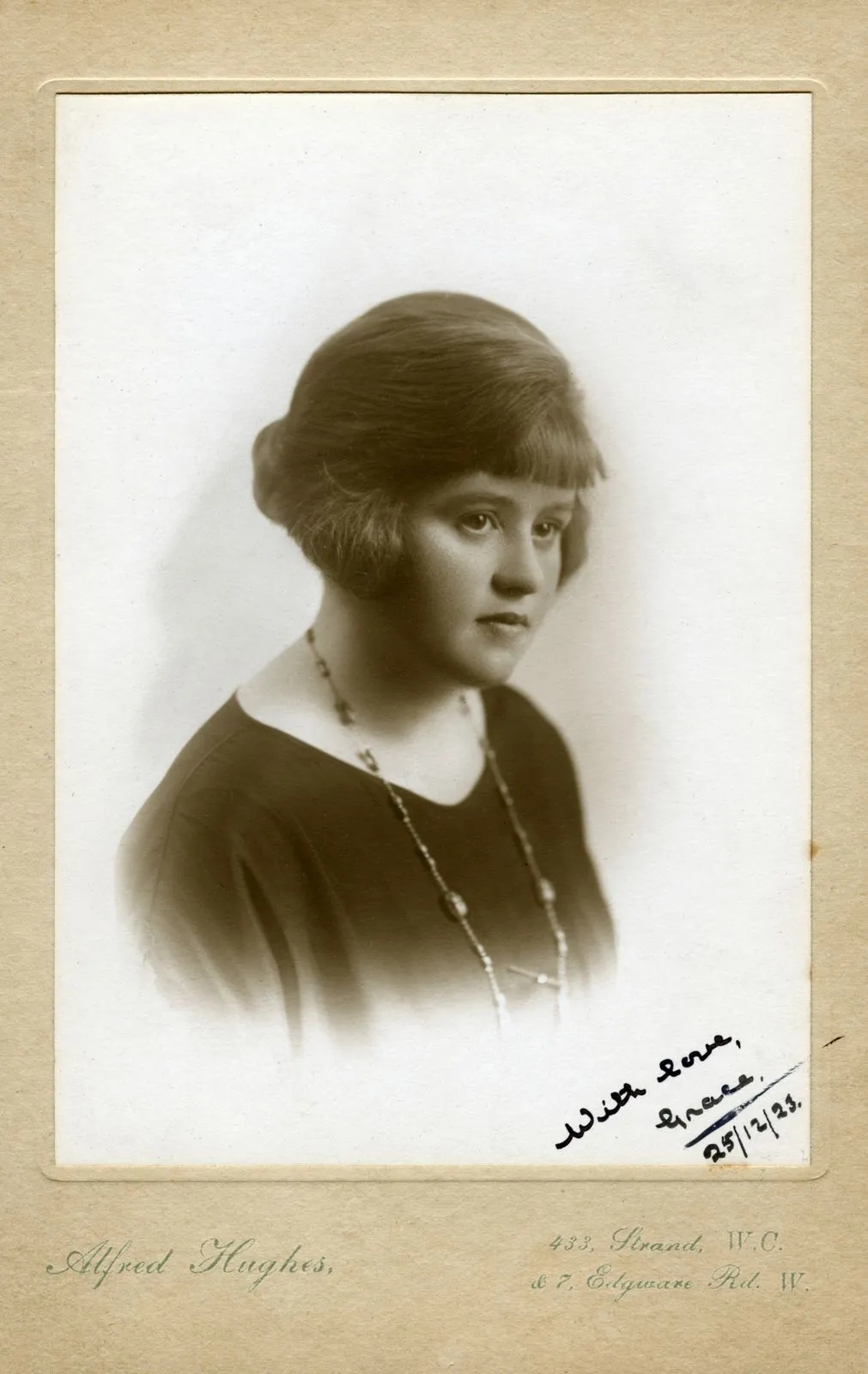
If the print has handwriting, a stamp, or a studio mark on the back, photograph or scan that too before you set the print aside. Our guide on what the stamps on the back of old photos mean is worth a look if you are not sure what a particular mark is telling you, because it can sometimes date a photo more precisely than memory can.
A simple naming convention that still works in twenty years
You do not need specialist archive software to get most of the benefit. A consistent filename pattern does the bulk of the work on its own:
YYYY-MM-event-or-names.jpg
For example: 1985-12-christmas-morning-lounge-room.jpg or
1962c-wedding-grandparents.jpg, where the trailing c marks a date as an estimate rather
than a certainty. This single habit means every file sorts chronologically in any operating
system, with zero extra software, and still makes sense decades from now even if every photo
app you currently use is long gone.
Keep names free of spaces and special characters, since those cause problems moving files between systems. Hyphens or underscores do the same job without the risk.
Captioning and organising are two halves of the same job
A caption on a file that is still sitting in a folder called New Folder (3) only helps so
much. The two jobs reinforce each other: a good folder structure makes photographs findable
by date and event, and a good caption makes an individual photograph meaningful once it is
found. If you have not yet settled on a folder system for the scans, our guide on
how to organise scanned family photos covers
a structure that pairs well with the naming convention above.
It is also worth knowing roughly what resolution you are scanning at before you settle into a captioning routine, since that affects file size and how much metadata is practical to embed directly. Our what DPI to scan old photos guide and the scan output calculator both help with that part of the decision.
Captions belong on the original, not just the restoration
If a photograph needs repair, faded colour, surface grime, a crease, caption the original scan before you touch anything. Our page on faded and darkened photos covers what restoration can recover from a print that looks almost blank to the eye, but restoration only changes how a photograph looks, never what it is a record of. The who, where and when belong on the file that is the permanent record, which is the untouched scan, and should carry through to any edited copies you make from it rather than being re-typed from scratch each time.
Once it is captioned, back it up
A caption only protects a memory if the file carrying it survives. All of this work, the naming, the metadata, the sidecar notes, is wasted if the only copy of the scan lives on one hard drive in one house. Our guide on how to back up scanned family photos covers the three-copies rule that keeps a captioned archive from disappearing along with a single failed drive.
The honest timeline
Nobody captions four hundred photographs in one sitting, and trying to usually means the project stalls entirely. A more realistic approach: caption as you scan, a sentence or two per photo, accept that some will stay marked “unknown” for now, and come back to the unknowns later with help from anyone who might recognise a face. An archive that is eighty percent captioned and still growing is worth far more than a perfect caption file that never gets started.
The photograph will outlast the paper it was printed on. Whether it still means anything to the person looking at it in fifty years depends entirely on whether anyone wrote down what it was a picture of.
Common questions
- Where should I put captions on scanned photos?
- In the filename and in the file's own metadata, not just in a spreadsheet or an album caption field. Only three places travel with the photograph wherever it goes: the filename, the embedded metadata, and a sidecar file saved next to it. A caption typed into Google Photos or an app's own database stays behind the moment you export or move to a different service.
- What is the difference between a filename, metadata and a sidecar file?
- The filename is the one piece of information guaranteed to survive every copy, upload and format change, so keep it short and date-first. Metadata is text embedded inside the image file itself, readable by most photo software without opening a second file. A sidecar is a separate text file saved next to the photo with the same name, used when you have more to say than a filename or a metadata field comfortably holds.
- What should I actually write in a caption?
- Five things, in order of how fast they are lost: who is in the photo, where it was taken, roughly when, who told you, and how confident you are. The who and the where usually die with the people who could answer them. The when can often be worked out later from clothing, cars or a date stamp. Write down what you know now, flag what you are guessing, and do not wait until you are certain.
- Is it too late to caption photos my parents already scanned?
- No, but it gets harder every year a photo sits uncaptioned, because the people who could identify it are the ones most likely to be gone. If you still have access to anyone who recognises faces in the collection, sit down with them and the scans, even for twenty minutes, before doing anything else to the files.