How long does it take to restore an old photo?
Seconds with an app, an evening by hand in an editor, days or weeks through a professional. Where the time actually goes on each route, why the scan is the part nobody budgets for, and how long a whole box really takes.
The repair itself takes seconds with an app, roughly an evening per photograph by hand in a full editor when the damage is serious, and days or weeks through a professional, which is queue time rather than working time. The step nobody budgets for is the scan, at a few minutes per photograph, and it sets the quality ceiling for every one of those routes.
Time is the honest way to compare these options, because it is the thing that actually differs. The outcomes on easy damage are closer than the price gap suggests.
Where the time really goes
A restoration has four stages, and only one of them is the part people picture.
Sorting. Deciding which photographs are worth the effort. Skipped by almost everyone and the single biggest time saver available, because most boxes contain duplicates, landscapes nobody can place and strangers at a wedding. Sorting a box of old family photos is a weekend that saves several.
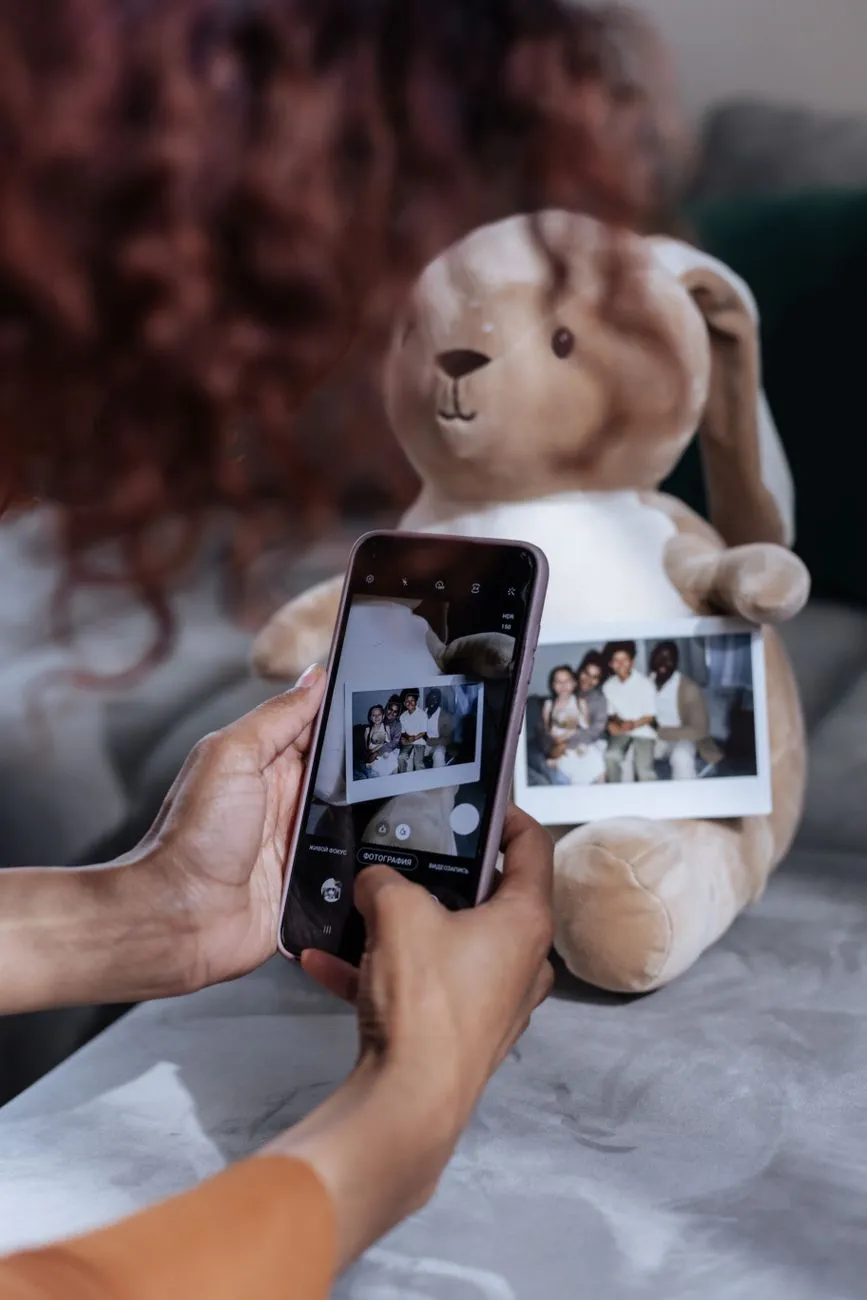
Capture. A few minutes per photograph including lifting it out, placing it, scanning, cropping and naming the file. Faster with a phone, better with a flatbed, and unavoidable in every case.
Repair. Seconds automatically, hours manually. This is the stage the whole industry advertises and the smallest share of the real clock.
Checking and saving. A couple of minutes per photograph to compare against the capture at full size, especially the faces, and to save the result alongside the master rather than over it.
For a single photograph, capture and checking dominate. For a collection, sorting and capture dominate completely. The repair is close to free either way.
Route one: an app or an online tool
Per photograph: seconds for the repair, a few minutes in total.
Capture the print or import a scan, straighten and crop it, run the restoration, look at the result, export. The model itself works in the time it takes to put the next print down.
This is genuinely the fastest route in existence and it is not a compromise on the damage it suits: fading, darkening, colour casts, grime, stains and fine scratches are all cases where an automatic pass and a manual one end up in a similar place, because the work is separating damage from a picture that survives underneath. Our fix pages show what that looks like on real plates.
The time it does not save you is the checking. A result that took two seconds still deserves the same five minutes of comparison at full size, and on faces particularly, for the reasons in does AI photo restoration actually work.
Route two: by hand in a full editor
Per photograph: twenty minutes for something light, an evening or more for serious damage.
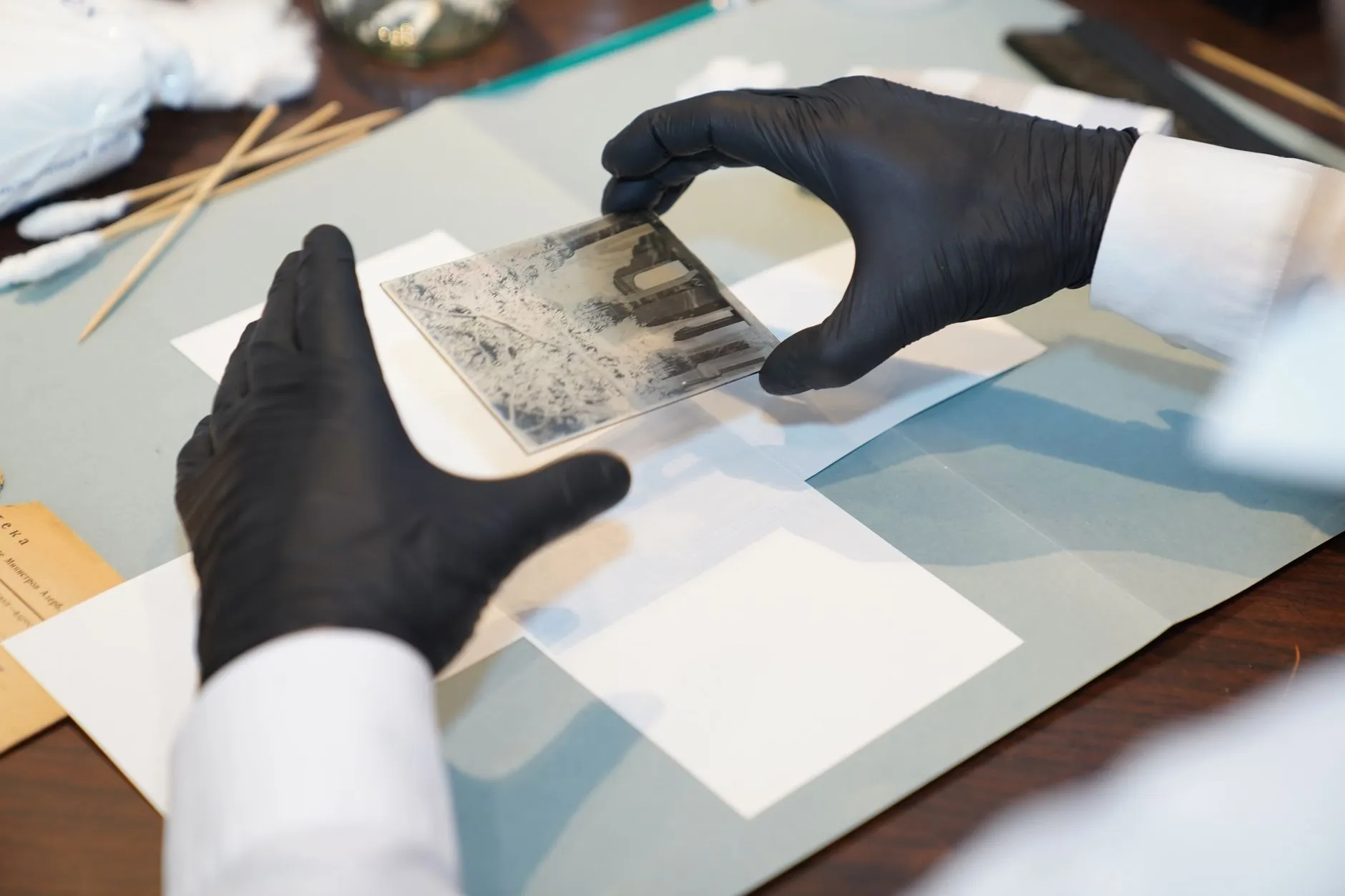
Working manually means healing, cloning, masking and rebuilding, usually in layers so that decisions stay reversible. The time scales with the damage rather than the photograph.
Tonal work is quick. Levels, curves, colour correction and dust spotting on a straightforward print is a short job for anyone who knows the software.
Structural work is slow. A tear across a coat is patient, mechanical work. A tear across a face is the job that turns an hour into an evening, because every decision has to hold up under the scrutiny people give to faces. Our guide on restoring a damaged face explains why that area is so unforgiving.
Add the learning curve if the software is new to you, which is real and is measured in weekends rather than minutes. It is worth it for one photograph that matters enormously and it is not a workflow for four hundred.
Route three: a professional
Per photograph: days to weeks of turnaround, and it varies enormously.
The important thing to understand is that you are mostly waiting in a queue. The actual retouching on a difficult photograph is hours, not weeks, but a restorer has other people’s photographs in front of yours. That is why two quotes with similar prices can come with wildly different timeframes.
We are not going to publish a single figure here, because turnaround genuinely differs by studio, by season and by how damaged your photograph is, and a number invented for the sake of a tidy answer would be worse than no number. Ask three things when you book.
What is the turnaround in writing, from receipt of the file rather than from the enquiry.
Is there a rush option and what does it cost, which matters if the photograph is for a funeral, an anniversary or a birthday with a fixed date.
What happens if you are not happy, because revision rounds are part of the timeline and are the usual reason a two week job becomes a five week one.
The tiers, and what each one is actually charging for, are in what photo restoration actually costs. Send them a proper scan, because a professional working from a poor file is a professional working from your ceiling.
The scan is the part people underestimate
Whichever route you pick, capture is the tax you pay in time.
A few minutes per photograph sounds trivial until you multiply it. A few hundred prints is a project measured in weekends, and that is before anyone restores anything. Two things cut it honestly.
Sort first. Restoring fewer photographs is the only real speedup available.
Batch sensibly. Several prints on the scanner bed at once, split afterwards, is substantially faster than one at a time for standard sizes. Our guide on digitising a photo album without damaging it covers the awkward cases, and what DPI to scan old photos at stops you scanning everything twice, which is the most common way a weekend becomes two.
What you must not do is rush the scan to save the minutes. The capture is the asset and the ceiling, and every hour spent downstream is bounded by it.
When the deadline is real
Funerals, anniversaries, milestone birthdays and memorial slideshows are how most people come to this in a hurry, and a fixed date changes the right answer.
Start with the fast route, always. Capture and restore with an app or an online tool first, so that something usable exists within the hour. A good result you have beats a better result that misses the date.
Then commission the slow route if it still matters. A professional can work on the same photograph afterwards, and you will have lost nothing except a small fee, while the printed order of service went out on time.
Tell a restorer the date up front, before they quote, not after. A rush slot that exists on Monday may not exist on Thursday.
Budget the printing. A lab needs its own turnaround, and framing needs more. That is frequently the step that actually fails a deadline, and our guide on printing and framing a restored photo covers what to ask a lab for.
Realistic totals
One faded photograph, for a screen. Ten minutes end to end with an app or a browser tool, most of it handling the print.
One badly damaged photograph you care about. An evening by hand, or minutes with an app plus the honest checking, or a couple of weeks and a fee through a professional.
A shoebox of a few hundred. Several weekends, nearly all of it sorting and scanning. Restoration adds little once the files exist.
An entire family archive across several boxes. A project across months, done in sittings. Sort, scan, back up, restore the ones that deserve it, and accept that a good scan of an unrestored photograph is already a rescue.
Photo Restore, our iPhone and iPad app, exists to compress the middle of that: capture, straighten, restore and export in one place on a phone, without a desktop or a transfer step. It does not shorten the sorting and it does not shorten the checking, and anyone telling you those two disappear is selling something. What it does remove is the reason most boxes never get started, which is that the restoration felt like it needed equipment and an expert.
Common questions
- How long does it take to restore an old photo?
- The repair itself takes seconds with an app or an online tool, and roughly an evening per photograph by hand in a full editor if the damage is serious. A professional quotes a turnaround rather than a working time, normally measured in days or weeks depending on their queue. The part people forget is the scanning, which takes a few minutes per photograph and sets the quality ceiling for every route.
- Why does a professional take weeks when software takes seconds?
- You are waiting for a place in a queue, not for the work. The actual retouching on a difficult photograph is hours rather than weeks, but a restorer is working through other people's photographs first. Ask for a turnaround in writing when you book, and ask whether a rush option exists if there is a date you need it for.
- How long does it take to restore a whole box of photos?
- Budget by the scanning rather than the restoring. At a few minutes each including handling, a few hundred photographs is a project measured in weekends, not an afternoon. Sorting first cuts it substantially, because most boxes contain a lot that nobody needs restored, and the restoration itself adds little once the files exist.
- Is a faster restoration a worse restoration?
- Not inherently. On fading, stains and grime the fast automatic result and the slow manual one land in a similar place, because the work is separating damage from an intact picture. On missing pieces and damaged faces the extra time buys judgement about what belonged there, and that is exactly where the difference shows.
- What takes the longest in photo restoration?
- Reconstruction across a face, by a long way. Everything else is either automatic or mechanical. Deciding what a missing area of a face should contain, and making it hold up under scrutiny, is the work that separates an hour from an evening and a cheap quote from an expensive one.