Should you colourise your old black and white photographs
Colourisation is a plausible guess, not a recovery. Here is what it actually adds, where it genuinely helps, and why the original scan should always survive alongside it.
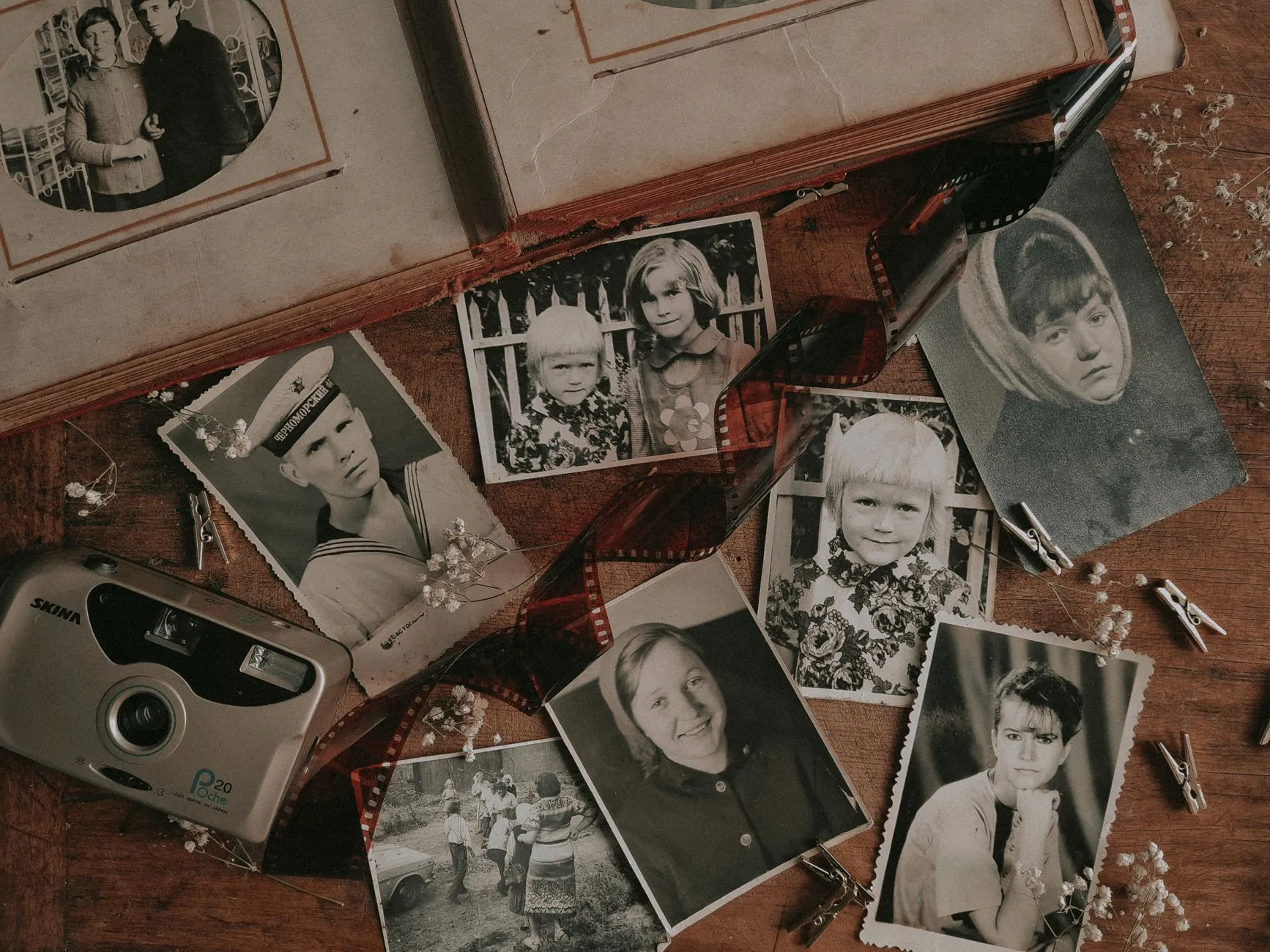
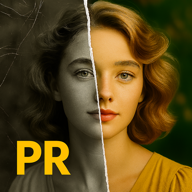
A colourised photograph of a great grandparent can feel like meeting them properly for the first time. Black and white has a way of putting people at a slight distance, and colour closes it. It is one of the more emotionally effective things AI restoration tools do, and also one of the easiest to misunderstand.
Here is the honest version of what colourisation is, what it is worth, and the one habit that keeps it from quietly becoming a problem.
What colourisation is actually doing
A black and white photograph does not contain hidden colour information waiting to be revealed. The film or paper recorded brightness, not hue. When you colourise it, a model looks at the shapes and tones in the image, the ones it recognises as skin, sky, fabric, foliage, and applies a colour that is statistically plausible for that kind of shape. It is trained on millions of real colour photographs and it is often a genuinely good guess.
But it is a guess. Nothing in the negative recorded the colour of your great grandmother’s dress, so no amount of computation can recover it. The model can only produce a colour that similar dresses tend to be. Sometimes that happens to match. Often it is close enough that nobody minds. Occasionally it is confidently wrong, and there is no way to check it against the original scene because that information was never captured.
This is a different kind of process from fixing an orange, faded colour print, where the original colour data genuinely exists in the surviving dye layers and correction is recovering something real. We wrote about that distinction in our guide on why old photos turn orange. Colourising black and white is closer to illustration with excellent taste than it is to restoration.
Where it is genuinely worth doing
None of this makes colourisation worthless. It is worth doing when the goal is connection rather than accuracy.
Portraits and family moments benefit the most. A colourised wedding photo or a portrait of a grandparent as a young adult tends to land emotionally in a way the black and white original, however sharp, does not always manage for a younger relative who never knew them.
Photographs you plan to display are a good candidate too, especially next to more recent colour prints in a shared frame or a photo book. A wall of family portraits reads differently when every generation is in the same visual language.
Group and event photographs where colour helps separate people and objects that blur together in monochrome, a crowd at a picnic, a decorated room, can genuinely become easier to read.
Where it adds less is anywhere the historical document itself is the point, a formal studio portrait mounted with a photographer’s imprint, a photograph you are using to help date or identify people, or an image you intend to research rather than simply enjoy. In those cases the black and white original is the primary source, and a coloured version is a nice extra rather than an improvement.
The habit that matters more than the tool
Whichever tool you use, and several free and paid options do a genuinely good job now, the single rule that protects you is this: the original always survives, untouched, alongside the colourised version.
Treat colourisation the same way you would treat any AI restoration. Our honest look at free AI photo restoration tools covers the same principle for repair work, and it applies just as much here. A colourised file is an interpretation layered on top of the record, not a replacement for it. If a descendant in thirty years wants to research the actual clothing, the actual paint colour on a wall, the actual provenance of an object in frame, they need the black and white scan, not the version a 2026 model imagined.
In practice that means:
- Scan the print first, at a good resolution, and keep that file as the untouched master. If the photograph shows fading as well, our faded and darkened photos guide covers correcting that on the scan before you decide whether to colourise on top.
- Colourise a copy, never the master file itself.
- Name the colourised file so it says what it is. Something as simple as adding “-colourised” to the filename is enough. A descendant looking at a folder in fifty years will not know what you knew, and an unlabelled coloured photograph can end up mistaken for a colour photograph that was actually taken that way.
- Add a line to the caption or metadata noting that the colour is AI generated and approximate, not documented.
If you plan to print the result
A colourised photograph you intend to frame or put in a book is worth checking against a proper resolution target before you order anything, since colourisation tools sometimes upscale or resize along the way and the output is not always the same pixel count as your scan. Run the result through our pixels to print size calculator before you commit to a size, so you are not surprised by a soft print after the fact.
The short answer
Colourise the photographs where colour will make someone feel closer to the person in them, and skip it where the photograph’s value is as a document rather than a memory. Either way, keep the original scan as the record and treat every colourised copy as exactly what it is, a well informed and clearly labelled guess.
Common questions
- Is colourising an old photo accurate?
- No, and it is worth being honest about that upfront. A black and white photograph never recorded colour information, so a colourisation tool is making an informed guess based on what objects like that usually look like. It might guess the dress was blue when it was actually green. The guess is often plausible and sometimes it happens to be right, but it is not a recovery of lost information the way correcting an orange colour print can be.
- Does colourising damage the original photo?
- Not if you do it properly. Colourisation should always be done on a scan, never on the physical print. Keep the scanned black and white master untouched and treat the colourised version as a separate, clearly labelled copy. The print itself is never at risk from a digital process done well away from it.
- Should I colourise every old family photo?
- Probably not every one. It tends to add the most where colour would genuinely help a viewer connect with the image, a wedding, a portrait, a moment you want to feel close rather than historical. For a large archive, colourising everything is a lot of processing time spent on guesses when the same hours could go toward scanning more photographs properly.
- What is the best way to colourise an old photo?
- Start from a good quality scan rather than a low resolution copy, since the colourisation model has more to work with and the result holds up better if you ever print it. Several AI tools do this well now. Whichever you use, save the result as a new file with a name that says it is colourised, and never overwrite or discard the black and white original.